 SFDIFY
- Write down the one core function your software must do on day one.
- List every outside system it needs to connect to, including payment and login providers.
- Decide whether you need native mobile apps or whether a web app covers your users.
We have built software long enough to know that anyone quoting a flat number before hearing your scope is guessing. What actually drives the cost is scope, team shape, integrations and the unknowns you have not found yet.
Software development cost is driven by five things: how much of the product already exists in your head versus needs discovery, whether you need native mobile apps or a single web app, how many outside systems you must integrate with, how experienced the team is, and how much ongoing work happens after launch. A narrow internal tool with no integrations costs far less than a consumer app with payments, push notifications and a backend that has to scale. We cannot give you a number without knowing which of those apply to you, but we can show you exactly where the money goes.
- Integrations, not features, are usually where estimates go wrong — a single payment provider or legacy system can add weeks nobody budgeted for.
- Native mobile apps generally cost more than web applications because you are building and testing for two platforms, a point we cover in Why Mobile Apps Cost More Than Websites.
- An MVP scoped to prove one thing costs less and ships faster than a "full product" built before anyone has used it.
- Post-launch costs — hosting, monitoring, bug fixes, model evaluation for AI features — are ongoing, not one-time, and should be budgeted separately from the build.
1. Define what you are actually building
Start by writing down what the software must do, not what it might do someday. This single step determines more of the eventual cost than any negotiation over hourly rates.
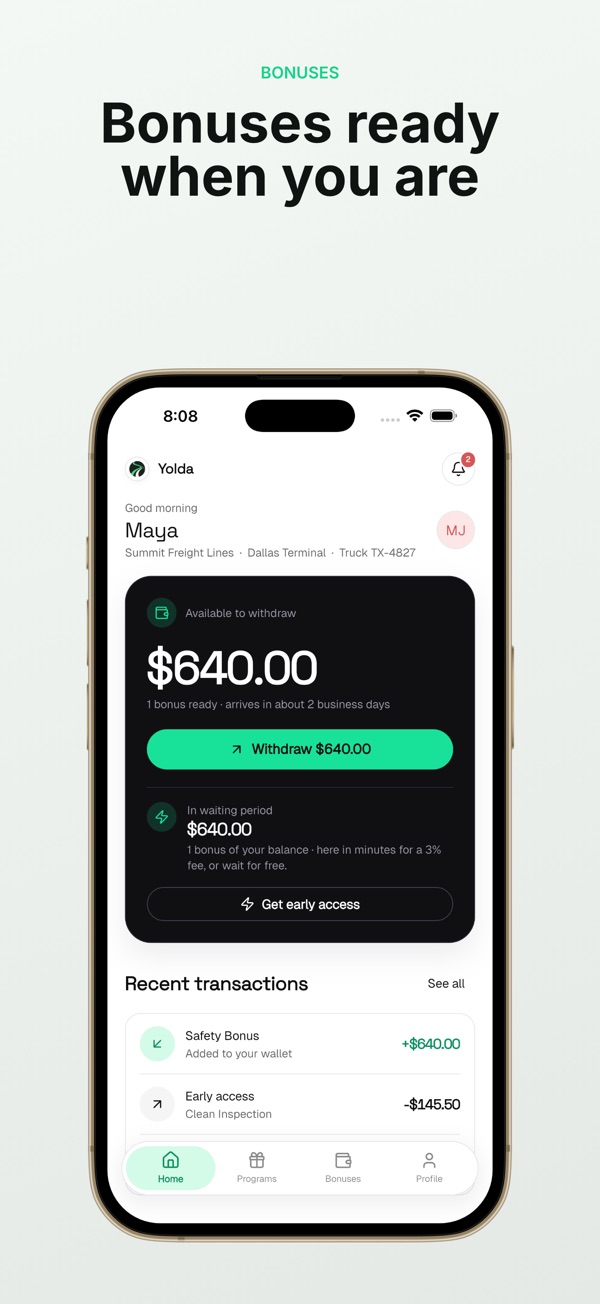
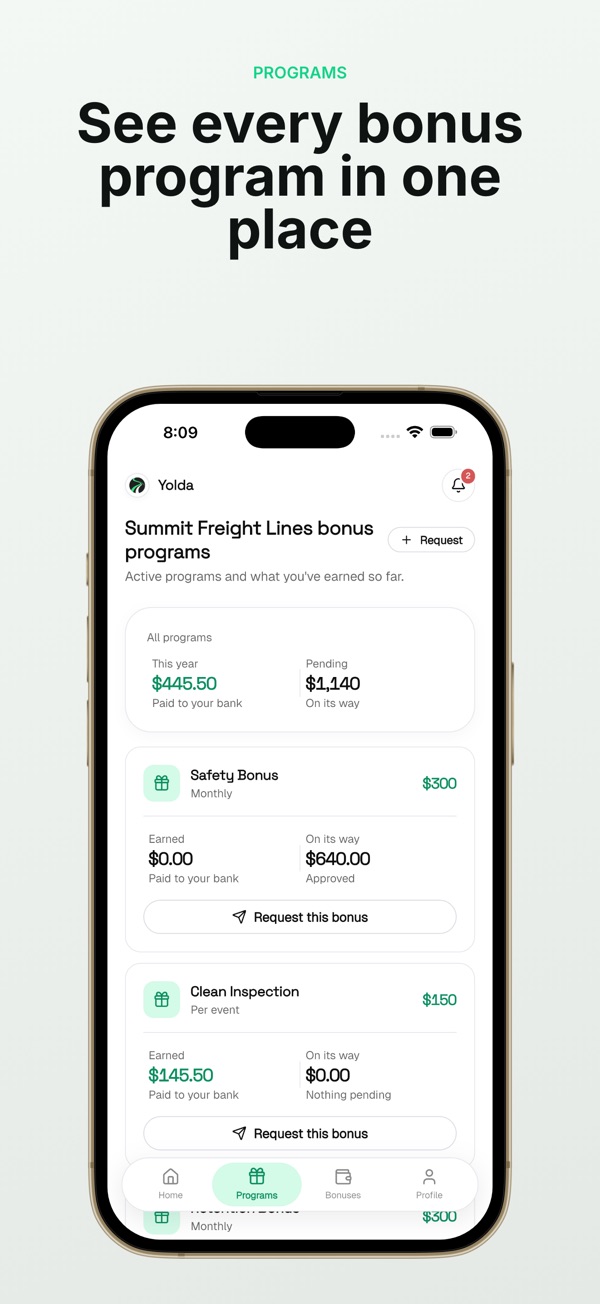
We ask every new client the same question first: what is the one thing this needs to do well on day one? For Yolda, our AI-native trucking management platform, the first version had to read a rate confirmation document and turn it into a load — not run every function a dispatcher touches. Everything else got a phase number.
A vague brief ("build us a CRM that does everything Salesforce does, but ours") costs more to estimate than to build, because a team has to guess at scope before quoting it. A specific brief ("track leads, log calls, sync with our email tool") lets a team scope accurately fast. If you are unsure how granular to get, our MVP development work exists specifically to turn a vague idea into a buildable phase one.
2. Decide the platform shape before the feature list
Platform choice moves cost more than most feature requests do, because it decides how many times your team builds the same logic. A web application, an iOS app, an Android app and a Salesforce integration are four different technical surfaces, even for the "same" product.
| Platform choice | What it means for cost |
|---|---|
| Web app only | One codebase, works everywhere with a browser, cheapest to maintain |
| Native iOS + Android | Two codebases (or one cross-platform codebase like Flutter), app store review, higher QA cost |
| Cross-platform (Flutter, React Native) | One codebase for both stores, some native performance trade-offs |
| Web + native app | Highest cost, but often necessary for offline use, push notifications, or camera/GPS access |
CostRefund, our Costco price-drop alert app, is built with Flutter and Firebase specifically so we maintain one codebase for both iOS and Android instead of two. The Yolda Driver App, by contrast, needed to work reliably for drivers in low-signal areas, which shaped different technical decisions than a typical consumer app. We go deeper on this trade-off in How Much Does a Custom Mobile App Cost in 2026?
3. Count your integrations before you count your features
Every outside system you connect to adds cost, and it is usually more than clients expect going in. A feature you build yourself is predictable. A feature that depends on someone else's API, documentation and rate limits is not.
Integrations that commonly add unplanned cost:
- Payment processors, especially if you need subscriptions, refunds, or multi-currency support.
- Legacy databases or on-premise systems with no modern API.
- Third-party identity or login systems (single sign-on, social login).
- Government or regulated data sources, where formats change without notice.
- CRM or ERP systems like Salesforce, where custom objects and permissions need mapping.
Yolda reads rate confirmation documents and tracks CDL, medical card and insurance expiration dates automatically. That single feature required parsing inconsistent document formats from different carriers and freight brokers, work that took longer than any single dispatch screen in the product. If your project touches Salesforce specifically, our Salesforce consulting team can scope that integration cost separately, since it rarely behaves like a typical web feature.
if a feature depends on a system you do not control, budget more time for it than for any feature you build entirely in-house.
4. Decide who builds it, and what that changes
Team shape changes both cost and risk, and it is a real decision, not a formality. A freelancer, an in-house hire, an offshore team and a product studio each carry a different cost structure and a different set of trade-offs.
Freelancer:      lowest hourly cost, highest coordination risk
In-house hire:   highest fixed cost, slowest to start
Offshore team:   lower hourly cost, timezone and QA overhead
Product studio:  higher hourly cost, lower coordination cost
We are SFDIFY, a product and technology studio based in Naperville, Illinois, and the same team that builds client software also builds and runs our own products — MyCheck, Yolda, CostRefund, USTAXX, Segeo and MuChat. That matters for cost because a team that ships its own products under real usage tends to catch scope problems earlier than a team that has only ever billed hours. It does not make us the cheapest option in every case, and we would rather say that plainly than pretend otherwise.
If your project is Chicago-based or you are weighing a local team against a national one, we wrote a full comparison in Chicago Software Development: Local vs. National.
5. Budget separately for what happens after launch
Launch is not the finish line, and treating it as one is where a lot of software budgets quietly fail. Hosting, monitoring, bug fixes and — for AI features specifically — ongoing evaluation of model outputs are recurring costs that belong in a separate line item from the build.
USTAXX, our IRS-authorized e-file platform, runs in all 50 states with a secure client portal and a mobile app in nine languages. A platform like that does not stop needing engineering attention once it is live; tax rules change, and the software has to keep up every filing season. AI features carry a similar ongoing cost: a chatbot or AI agent needs evaluation and guardrails checked over time, not just at launch, which is part of why we treat AI development as an ongoing relationship rather than a one-time build. Our AI development and AI consulting work both include this phase explicitly, because skipping it is how AI products drift.
Checklist: scoping your software project before you request quotes
- Write down the one core function your software must do on day one.
- List every outside system it needs to connect to, including payment and login providers.
- Decide whether you need native mobile apps or whether a web app covers your users.
- Separate "must have at launch" features from "phase two" features in writing.
- Ask any team you are evaluating how they handle post-launch monitoring and fixes.
- Confirm who owns the code, the data and the accounts once the project ends.
- Request a phased estimate, not a single number, so you can see where the cost actually sits.
How this shapes the way we build for clients
Because our own products are held to the same standard as client work, we scope every project in phases rather than a single all-in number, and we say early when an integration or platform choice is going to add real cost. We would rather tell you a phase-one budget you can trust than a full-project number we cannot stand behind six weeks in. If you are budgeting a project phase by phase, our companion piece How to Budget for Custom App Development, Phase by Phase walks through that process in more detail.
If you have a scope in mind, or just a problem you want solved, start a project with SFDIFY and the first consultation is free.
Checklist: scoping your software project before you request quotes
- Write down the one core function your software must do on day one.
- List every outside system it needs to connect to, including payment and login providers.
- Decide whether you need native mobile apps or whether a web app covers your users.
- Separate "must have at launch" features from "phase two" features in writing.
- Ask any team you are evaluating how they handle post-launch monitoring and fixes.
- Confirm who owns the code, the data and the accounts once the project ends.
- Request a phased estimate, not a single number, so you can see where the cost actually sits.