 SFDIFY

For most small businesses with hourly or field staff, Connecteam is the easiest time clock app to start with, because its Small Business Plan is "entirely free for up to 10 users" [1]. Homebase fits shift-based, single-location teams that care about break rules, and its Basic plan is $0 for one location with up to 10 employees [2]. Hubstaff suits crews that move between job sites, since it can "automate clock-ins and clock-outs with fully customizable geofenced Job sites" [3]. If your books live in QuickBooks Online, QuickBooks Time is the natural pick, though it requires that account [4].
An employee time clock is now an app on each worker's phone, or a tablet by the door, that records hours, flags missed breaks, checks location and hands timesheets to payroll. The hard part is picking one whose pricing, location rules and payroll export match how your team works.
How we chose
We compared six apps small businesses commonly shortlist: Connecteam, Homebase, Hubstaff, When I Work, QuickBooks Time and Clockify. We focused on what matters for hourly and field staff: GPS and geofencing, kiosk mode for shared devices, break tracking, payroll export, and the cost of the plan you actually need. Every fact comes from the vendor's own website, checked on 2026-11-08. This compares published features and prices, not hands-on testing, so confirm on the vendor page before you buy.
Time clock app comparison
| Product | Best for | Starting price | Notable |
|---|---|---|---|
| Connecteam | Small crews on a budget | Free for up to 10 users [1] | Kiosk app for tablets [5] |
| Homebase | Shift teams at one location | $0 for 1 location, up to 10 employees [2] | Meal and rest break tracking [6] |
| Hubstaff | Crews moving between job sites | Starter at $4.99 (annual) [7] | Geofenced Job sites [3] |
| When I Work | Scheduling-first teams | $2.50 per user per month [8] | GPS and geofencing on punches [9] |
| QuickBooks Time | QuickBooks Online users | $20/mo + $10 per user per month [4] | Time Kiosk for on-site punching [10] |
| Clockify | Low-cost kiosk punching | $3.99 per seat (annual) [11] | Kiosk-only limited seats [11] |
Connecteam — free for small crews
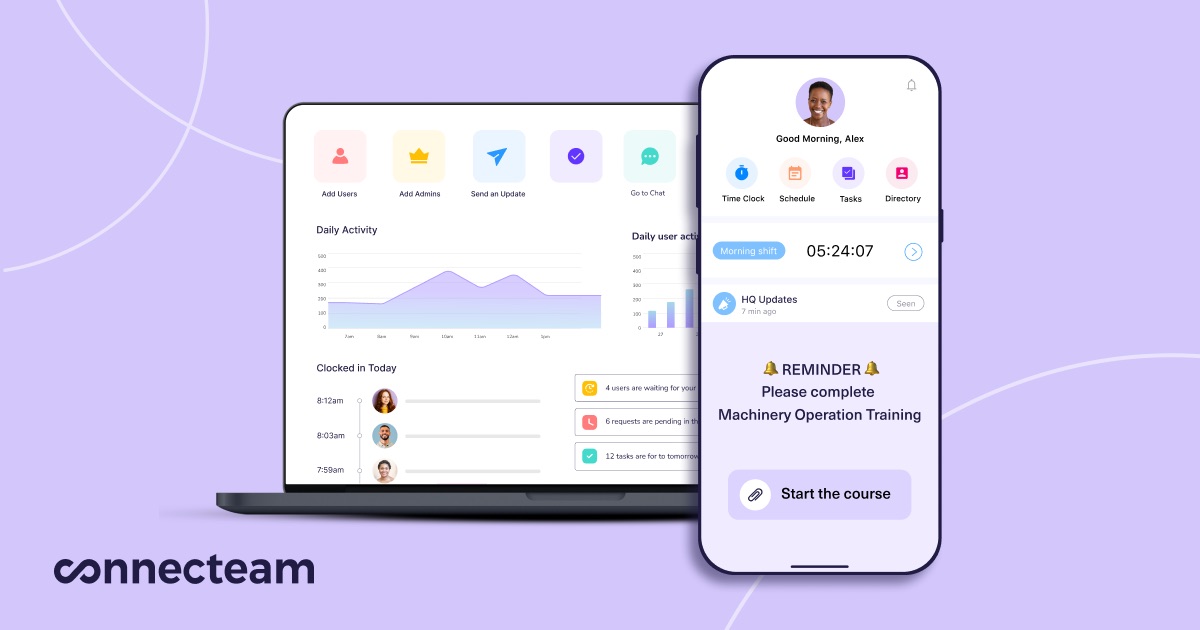
Connecteam is an all-in-one employee app with a GPS time clock and kiosk option. If you have fewer than ten people, it is hard to beat on cost.
Verified features: Connecteam lets you "Geofence work areas to avoid early off-site clock-ins and missed clock-outs" and can "Automatically clock employees out with GPS when they leave the site" [5]. It can "Auto-calculate breaks, overtime, and time off based on your pay rules" [5]. For crews without company phones, you can "install the Connecteam Kiosk app to your tablet and create a kiosk station" [5]. You can also "Sync hours with your preferred payroll provider or export in PDF or XLS" [5].
Pricing: The Small Business Plan covers "all hubs and all features*, entirely free for up to 10 users" [1]. Above that, the Operations Hub, which includes the Time Clock, starts with Basic at $29/mo for the first 30 users on yearly billing, and Advanced at $49/mo adds "Up to 10 Geofence sites" [1].
Strengths: A genuinely free time clock app for very small teams, with kiosk, GPS, break and overtime rules in one place.
Limitations: Once you pass ten users, geofencing sits on Advanced rather than Basic. Pricing is also sold per hub, so a team that wants chat or HR tools on top of the time clock pays for more than one.
Best fit: Field service, cleaning, construction or retail crews under ten people, or larger teams that want time clock, scheduling and forms in one app.
Homebase — shift teams and break compliance

Homebase pairs scheduling, a time clock and optional payroll for hourly teams such as restaurants and retail stores.
Verified features: Homebase says it "keeps track of employee meal and rest breaks required by law" and shows whether they are paid, unpaid, missed or waived [6]. Paid plans add the ability to "Enable location-based clock in with the mobile time clock" [2]. For accounting, you can "Sync employees and hours between Homebase and QuickBooks Online Plus" [6].
Pricing: Basic is $0 "/ location / month for 1 location, up to 10 employees" [2]. Essentials is "$30 / location / month unlimited employees" [2]. Payroll is a separate add-on [2].
Strengths: Strong on break rules and shift scheduling, and per-location pricing can work out cheaply for a single store with many part-timers.
Limitations: The free Basic plan stores timesheets "for up to 90 days" [2], and location-based clock-in is a paid feature, so most teams that need GPS will pay. Per-location pricing also adds up if you run several sites.
Best fit: Restaurants, cafes and retail stores with one or two locations and lots of hourly staff.
Hubstaff — GPS time clock for job-site crews
Hubstaff combines time tracking with productivity insights and a field offering built around GPS and job sites. That makes it a practical gps time clock app for crews that work at client locations.
Verified features: Hubstaff can "automate clock-ins and clock-outs with fully customizable geofenced Job sites" [3]. Its timesheets can turn into payments through payroll integrations, and Gusto and QuickBooks appear in its list of "35+ integrations" [7]. If you run payroll in Gusto, that integration is worth confirming during the trial.
Pricing: Starter is listed at $4.99 on annual billing and "includes basic time tracking and activity levels" [7]. Hubstaff's pricing FAQ gives the Team plan as "$10 per seat per month" [7]. It offers "a free 14-day trial. No credit card required. 30-day money-back guarantee." [7]
Strengths: Geofenced job sites and payment integrations make it a good fit for crews that move around during the day.
Limitations: "Hubstaff charges per seat", so you pay for every member even if some are not tracking time [7]. Much of the product is aimed at productivity monitoring, such as "App and URL usage" reports [7], which hourly field staff may not need and some may not welcome. The pricing page loads plan-by-plan features dynamically, so confirm which tier includes job sites. The pages we reviewed also did not describe a shared kiosk mode, which the other five apps list.
Best fit: Landscaping, home services, construction and agency teams that work at multiple client sites and want automatic clock-in on arrival.
When I Work — scheduling first, time clock as add-on
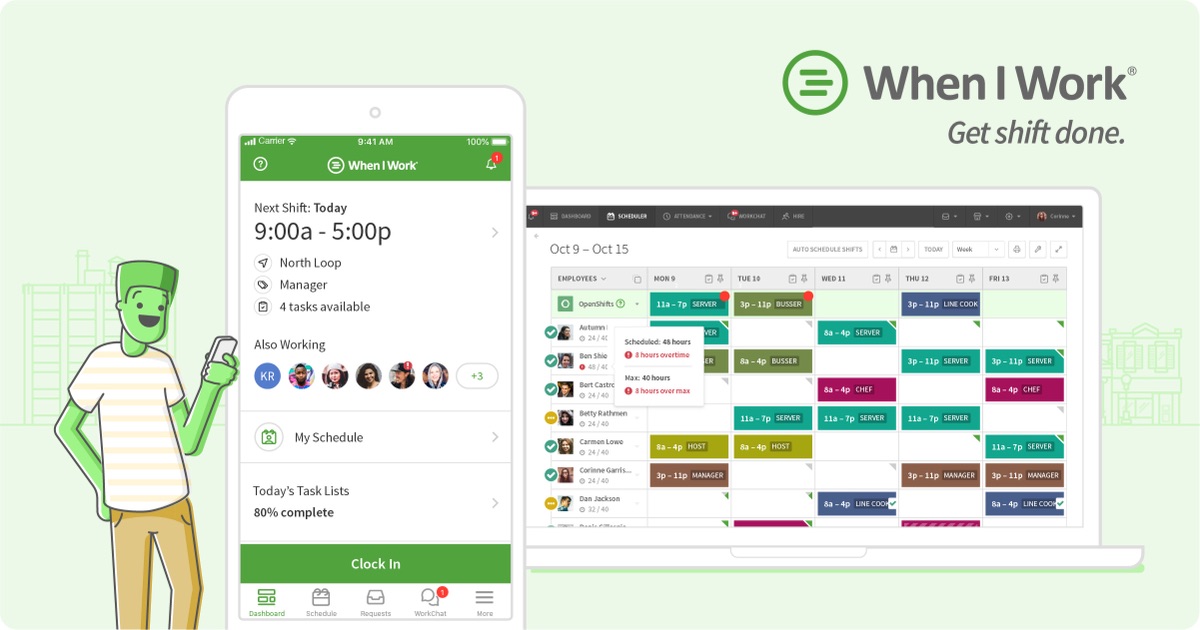
When I Work is a scheduling-first tool whose time clock ties punches to scheduled shifts.
Verified features: Its time clock "Captures GPS location for each punch and uses geofencing to ensure employees clock in only when they're on site" [9]. Payroll exports integrate "directly with top payroll providers like Rippling and ADP" [9].
Pricing: "When I Work pricing starts at just $2.50 per user per month for single-location teams, and $5 per user per month for multi-location businesses." [8]
Strengths: If building the schedule is your biggest weekly headache, you get scheduling and a GPS time clock in one tool.
Limitations: On the pricing page, each plan shows "Add Time Tracking & Attendance" as an on/off toggle [8], so the headline per-user price is for scheduling and the time clock costs extra. Check the total with that toggle on.
Best fit: Multi-shift businesses where scheduling and shift swaps matter as much as clocking in.
QuickBooks Time — for QuickBooks Online shops
QuickBooks Time is Intuit's time tracking and timesheet app, tied closely to QuickBooks accounting and payroll.
Verified features: "The Time Kiosk is a digital punch clock that allows teams to log hours on-site", but the "Device is not included with your subscription" [10]. You can "Set up a geofence that reminds your team to clock in or out when they enter or leave a job site" [10].
Pricing: "A QuickBooks Online account is required to use QuickBooks Time." [4] Time Premium lists at $20/mo, shown at "$ 10 / mo Save 50% for 3 months * + $10 per user per month" [4]. Time Elite is $40/mo "+ $12 per user per month" [4].
Strengths: The tightest link to QuickBooks payroll and invoicing if you already use them.
Limitations: It requires QuickBooks Online, and "Geofencing: Available in QuickBooks Time Elite only" [10], so field teams that want geofences pay the higher tier. A base fee plus a per-user fee makes it one of the pricier options for a small crew.
Best fit: Businesses already on QuickBooks Online that want hours to flow straight into pay runs and invoices.
Clockify — low-cost kiosk punching
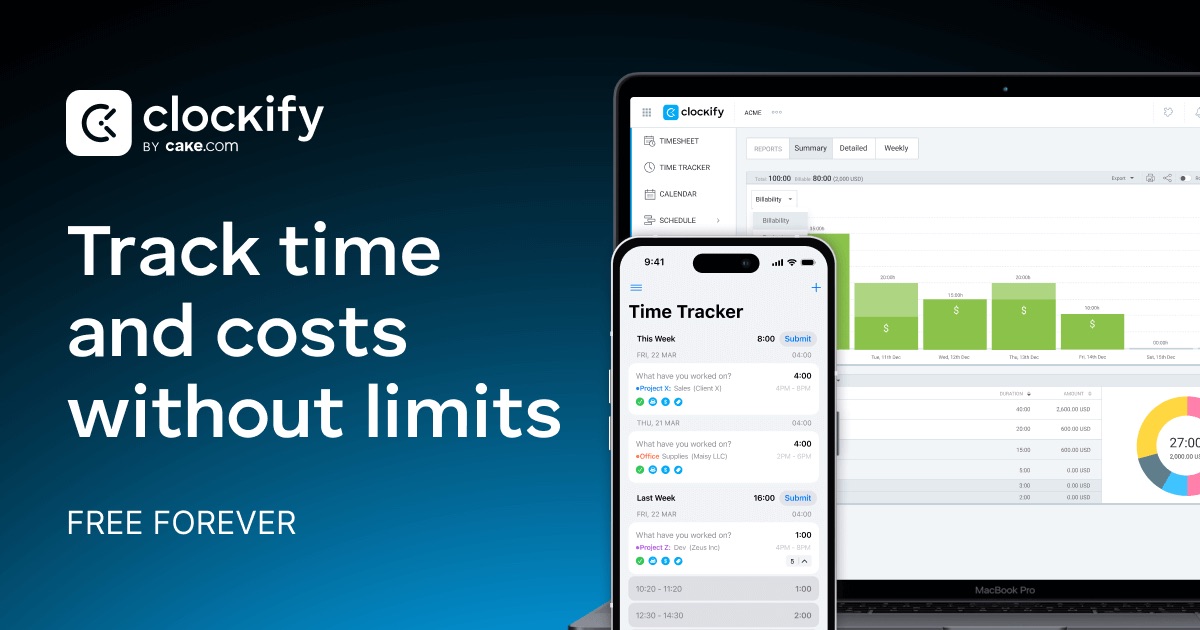
Clockify is a time tracker with kiosk, attendance and GPS features on paid plans, at low per-seat prices.
Verified features: Kiosk is included on Basic [11]. Standard lets you "Send time to QuickBooks" [11]. GPS tracking sits on Pro [11].
Pricing: Basic is $3.99 "per seat /month billed annually" [11], and builds on a free plan with "All FREE features, plus" kiosk [11]. Kiosk-only staff can use limited seats at $0.79 "per limited seat/month billed annually" [11].
Strengths: Cheap kiosk seats for staff who only punch in and out, plus a free plan to start.
Limitations: "Every active or invited user listed on your Team page occupies one paid seat" [11]. Its GPS feature is described as tracking "location and visited client sites while on the clock" [11], not geofenced automatic clock-in, so it is less suited to job-site crews than Connecteam or Hubstaff.
Best fit: Shops, studios and small offices that want a tablet kiosk and project time on a tight budget.
How to choose a time clock app for small business
Start with how your people work, not with the feature list.
- Where do they clock in? If everyone starts at one door, a kiosk on a shared tablet is simplest. If they drive to job sites, you want a mobile time clock app with geofencing, and you should check which plan includes it.
- How strict are your break rules? In states with meal and rest break laws, look for break tracking, waivers and missed-break alerts, which Homebase and Connecteam both emphasize.
- Where does payroll run? Match the export to your payroll provider first. QuickBooks users lean to QuickBooks Time, Hubstaff and Connecteam connect to several providers, and When I Work highlights Rippling and ADP.
- What does the plan you need cost? Several low headline prices exclude GPS, geofences or the time clock itself. Price the tier with the features you need, for your real headcount.
- Do you need it free? A free time clock app works for very small teams, but check user caps and timesheet history limits.
If your operation does not fit an off-the-shelf tool, for example a custom pay rule engine or a time clock inside your own field app, that is the kind of thing we build in custom CRM development and SaaS development projects. For the wider HR stack, see our guides to HR software for small business and HRIS software.
FAQ
Is there a free time clock app for employees?
Yes. Connecteam's Small Business Plan is free for up to 10 users with all hubs and features [1], and Homebase Basic is $0 for one location with up to 10 employees [2]. Clockify also has a free plan, with kiosk on paid Basic [11].
Which GPS time clock app can clock employees in automatically?
Hubstaff can automate clock-ins and clock-outs with geofenced Job sites [3], and Connecteam can automatically clock employees out with GPS when they leave the site [5]. QuickBooks Time geofences remind workers to clock in or out and are on Time Elite only [10].
Can an employee time clock app run as a kiosk on a shared tablet?
Yes. Connecteam has a Kiosk app for tablets [5], QuickBooks Time has a Time Kiosk with the device not included [10], and Clockify includes kiosk on Basic with cheaper kiosk-only seats [11].
Which timesheet app works best with QuickBooks payroll?
QuickBooks Time is built for it but requires a QuickBooks Online account [4]. Homebase can sync employees and hours with QuickBooks Online Plus [6], and Clockify Standard can send time to QuickBooks [11].
Our recommendation
For a crew under ten people, start with Connecteam's free plan. For a shift-based store or restaurant, Homebase is the better fit for scheduling and break rules. For teams driving between job sites, Hubstaff's geofenced Job sites are the main reason to pay for it, as long as you are comfortable with per-seat billing and its monitoring features. If you live in QuickBooks Online, QuickBooks Time saves the most payroll admin. Shortlist two, run their free trials with real shifts, and compare the timesheets your payroll person receives.
Sources
- Pricing | Connecteam — checked 2026-11-08
- Official Homebase Pricing — checked 2026-11-08
- Employee Time Clock App, Automated GPS & Payroll | Hubstaff — checked 2026-11-08
- Time Tracking Pricing & Features | QuickBooks — checked 2026-11-08
- Employee Time Clock App | Connecteam — checked 2026-11-08
- Free Employee Time Clock App for Small Businesses | Homebase — checked 2026-11-08
- Hubstaff Pricing Plans — checked 2026-11-08
- When I Work Pricing & Features — checked 2026-11-08
- Employee Time Clock App | When I Work — checked 2026-11-08
- Employee Time Tracking Software | QuickBooks — checked 2026-11-08
- Plans & Pricing - Clockify — checked 2026-11-08


