 SFDIFY

The strongest Dropbox alternatives for most small teams are Google Drive through Google Workspace, which pools 2 TB per user on Business Standard [1], and Microsoft OneDrive, which gives 1 TB per user on Microsoft 365 Business Basic [2]. If privacy comes first, Sync.com is built around end-to-end encryption [3]. For the most storage per dollar for backup, IDrive lists 5 TB for $11.99 per month [4], but it is a backup-first service rather than a Dropbox-style sync tool [5].
Dropbox is still a solid product, so it helps to know what you would be leaving. Its plans page lists Plus at "$9.99 / month" for one person with 2 TB, Standard at "$15 / user / month" starting at 3 TB for the team, and Advanced at "$24 / user / month" [6]. The page offers monthly and yearly billing, so check which cycle a price belongs to. A free Basic plan includes "2 GB to store and share your files" [6].
People look for alternatives to Dropbox for four main reasons: price per terabyte, a suite they already pay for, stronger privacy, or real backup. The six options below cover each one.
How we chose
We compared each service on what small teams and freelancers ask about most: price per TB, sharing and collaboration, backup and recovery, and privacy and encryption. Everything comes from the vendors' own pricing and product pages, checked on 2026-11-08. We did not run hands-on tests and do not assign scores. Many vendors show first-year promotions, so confirm prices at checkout.
Dropbox alternatives compared
| Product | Best for | Starting price | Notable |
|---|---|---|---|
| Google Drive (Workspace) | Teams on Docs, Sheets and Gmail | $7 per user/month, 30 GB pooled [1] | 2 TB per user on Business Standard [1] |
| Microsoft OneDrive | Teams on Word, Excel and Outlook | $7.00 per user/month, paid yearly [2] | 1 TB per user [2] |
| Sync.com | Privacy-focused small teams | $6 per user/month, billed annually [3] | End-to-end encryption [3] |
| IDrive | Backing up many computers | Free 10 GB; 5 TB at $11.99/month [4] | Sync is a separate service from backup [4] |
| pCloud | Freelancers who want to pay once | 500 GB at 49.99 USD/year [7] | Lifetime plans [7] |
| Box | Sharing with many outside clients | $5 per user/month, minimum 3 users [8] | Unlimited storage from Business up [9] |
Google Drive (Google One / Workspace) — best all-round Dropbox alternative for teams
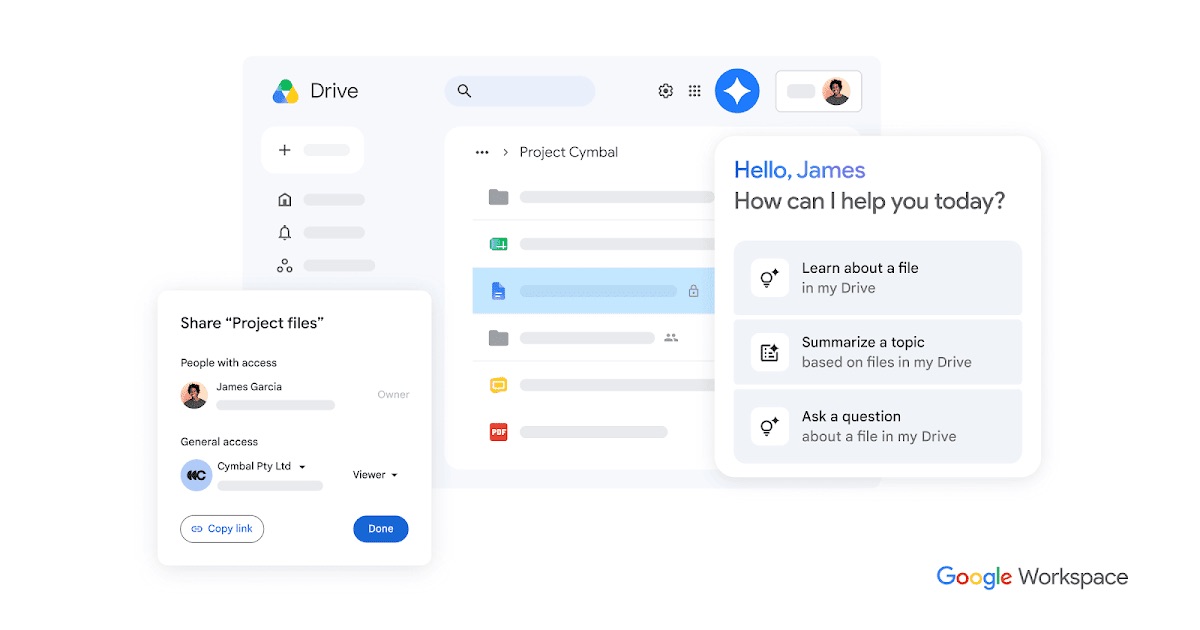
Google Drive is the obvious alternative to Dropbox if your team already writes in Google Docs or runs on Gmail. Businesses buy it as part of Google Workspace; individuals get storage through Google One.
Verified features: You can share files "with customizable permissions (edit, comment, view)" and set expiration dates on access [10].
Pricing: Business Starter is $7 per user per month with 30 GB of pooled storage per user, Business Standard is $14 with 2 TB, and Business Plus raises storage to 5 TB [1]. For individuals, every Google account comes with up to 15 GB, and Google One starts at $1.99 per month for 100 GB [11].
Strengths: Storage is pooled and "shared across the organization", so one heavy user does not force everyone onto a bigger plan [1]. Docs, Sheets, email and storage come from one vendor on one bill.
Limitations: Starter's 30 GB per user is small next to Dropbox's 3 TB team starting point [1] [6], so most teams storing large files will need Standard.
Best fit: Small teams that want storage, email and documents in one place.
Microsoft OneDrive — best for teams already on Microsoft 365
Microsoft OneDrive comes bundled with Microsoft 365, so many businesses already pay for it without using it as their main file store.
Verified features: Microsoft's business comparison lists sharing inside and outside your organization, "Password protected or expiring link settings", version history and PC folder backup [2].
Pricing: Microsoft 365 Business Basic is $7.00 per user per month, paid yearly, with 1 TB of cloud storage per user [2]. For freelancers, Microsoft 365 Personal is $99.99 per year for 1 TB [12].
Strengths: For teams that also need business email and Office apps, 1 TB per person at that price is hard to match. Sharing controls cover the basics most small teams need, including expiring links.
Limitations: The business prices quoted are for yearly payment [2]. OneDrive makes the most sense if you already use the Microsoft apps; as a standalone Dropbox replacement it offers less reason to switch.
Best fit: Teams already on Word, Excel, Outlook or Teams that want to consolidate onto one bill.
Sync.com — best for privacy and client file sharing
Sync.com is a direct Dropbox replacement built around encryption. Its homepage says files stay private "with end-to-end encryption — not even we can see them" [13].
Verified features: Sync describes its plans as an "end-to-end encrypted storage platform" where only you have access to your files [3].
Pricing: Teams 1TB is $6 per user per month billed annually, with a first-year offer of $4.50, and team plans have a three-user minimum [3]. There is a free 5 GB tier [13].
Strengths: Clients and customers you share with do not count as users [3], which suits firms that send files to many outside people. Privacy is the default rather than an add-on.
Limitations: Editing Office documents inside Sync requires a separate Office 365 license [3]. The three-user minimum makes the team plans a poor fit for solo freelancers.
Best fit: Accountants, law firms, clinics and agencies that exchange sensitive files with clients.
IDrive — best value for backup, not a like-for-like Dropbox swap
IDrive is primarily a cloud backup service, and IDrive is upfront about the difference. Its homepage explains that Google Drive, OneDrive and Dropbox mirror a folder across devices, and that "sync is not backup" [5].
Verified features: IDrive retains "up to 30 previous versions of every backed-up file", and those versions do not count against your quota [5]. You can set a private encryption key that "is never stored on IDrive servers" [5].
Pricing: A free Basic plan gives 10 GB [4]. On monthly billing, IDrive Personal is $11.99 per month for 5 TB for one user on multiple computers, and yearly or two-year billing lowers the price [4].
Strengths: On price per TB it is hard to beat for protecting several laptops, and version history guards against accidental deletes and ransomware in a way a plain sync folder does not.
Limitations: IDrive is not a drop-in replacement for Dropbox's shared folders. Its pricing page notes that "Cloud Drive is a separate service distinct from cloud backup" and needs separate activation [4]. Going over your storage limit can bring overuse charges [4]. Teams that mainly co-edit shared folders will find Google Drive, OneDrive or Sync a closer fit.
Best fit: Freelancers and small offices that want every computer backed up with version history, often alongside a separate sync tool.
pCloud — best for freelancers who prefer a one-time payment
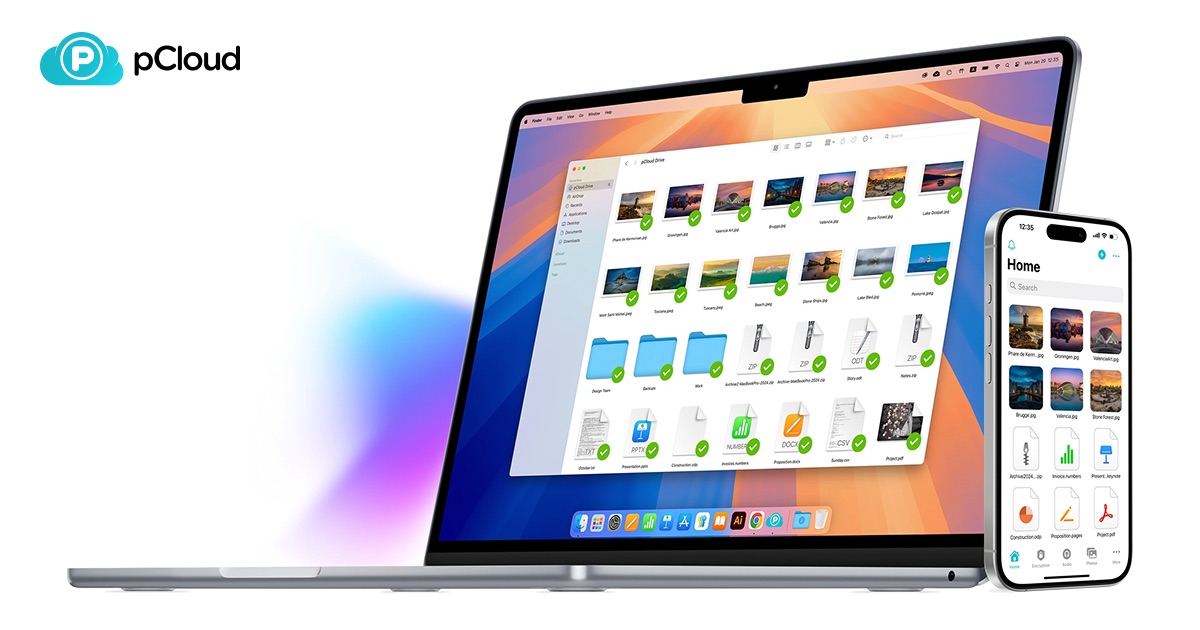
pCloud is a storage service that sells both subscriptions and lifetime plans.
Verified features: pCloud lets you recover data "from up to 30 days ago" [7]. Its optional pCloud Encryption adds client-side encryption, where files are encrypted before upload, for a dedicated Crypto folder [14].
Pricing: Annual plans run from 49.99 USD for 500 GB to 299.99 USD for 10 TB, and the 2 TB lifetime plan is 499 USD [7].
Strengths: The 10 TB annual plan works out to about 30 USD per TB per year, and a lifetime plan removes the recurring bill. Good for photo and video libraries that only grow.
Limitations: Client-side encryption covers only the Crypto folder you turn on, and the encryption page lists its own separate price [14]. A 30-day recovery window is shorter than Sync's history [7] [3]. The plans here are individual plans, so teams should compare pCloud's business offering separately.
Best fit: Solo creators and freelancers with large media libraries.
Box — best for sharing with many external collaborators
Box is the most business-oriented option on this list, with personal plans as a side offering.
Verified features: Business plans include unlimited storage, "Unlimited e-sign requests" and "1,500+ integrations" [9].
Pricing: Business Starter is shown at $5 per user per month (against $7) for up to 10 users, with 100 GB and 25 file versions [8]. Business is shown at $15 per user per month (against $20) with unlimited storage and a minimum of 3 users [9]. A free Individual plan gives 10 GB [8].
Strengths: Unlimited storage from the Business plan up removes quota planning, and built-in e-signatures replace a separate tool for many teams.
Limitations: On the Business plan, external collaborators are paid per person; unlimited outside collaborators start at Business Plus [9]. Business Starter's 100 GB is tight for media-heavy work [8].
Best fit: Teams that share many files with clients and want e-signatures and integrations in the same place.
How to choose a Dropbox alternative
- You already pay for a suite. On Gmail and Docs, Google Workspace Business Standard gives 2 TB per user [1]. On Outlook and Excel, OneDrive's 1 TB per user comes with Microsoft 365 [2].
- Privacy matters most. Sync.com encrypts end to end by default [3]. pCloud offers client-side encryption for one folder [14]. IDrive lets you set a private key [5].
- You need backup, not just sync. A sync folder copies deletions everywhere, while a backup tool like IDrive keeps prior versions [5]. Many small offices pair separate cloud storage and backup tools.
- You share with lots of clients. Sync does not count clients as users [3], and Box Business Plus allows unlimited external collaborators [9].
- You work solo. Skip plans with three-user minimums, such as Sync Teams and Box Business [3] [9], and look at OneDrive Personal [12], Google One [11] or pCloud [7].
If your files feed client records, a custom CRM can attach documents to deals and accounts instead of loose folders. Teams connecting storage to AI assistants can look at our AI integration services. For ransomware protection on the laptops themselves, see our Bitdefender vs Norton comparison.
FAQ
Are there free Dropbox alternatives?
Yes, with small limits. Dropbox Basic gives 2 GB [6], every Google account comes with up to 15 GB [11], IDrive Basic is free for 10 GB [4], Box Individual is free for 10 GB [8], and Sync offers 5 GB free [13].
Is cloud storage the same as cloud backup?
No. IDrive describes sync tools as mirroring a folder, so a deleted or damaged file is copied everywhere, while backup "keeps history instead of mirroring the present" [5]. When looking for the best cloud storage for backup, check how many versions and days of history a plan keeps.
What is the most private alternative to Dropbox?
Sync.com uses end-to-end encryption across its platform [3]. pCloud offers client-side encryption for files in its Crypto folder [14]. IDrive supports a private encryption key that is not stored on its servers [5].
Which Dropbox alternative is cheapest per TB?
For backup, IDrive Personal lists 5 TB for $11.99 per month on monthly billing [4]. For storage you sync and share, pCloud is 299.99 USD per year for 10 TB [7], and Sync Teams 1TB is $6 per user per month billed annually [3].
Our recommendation
For most small teams, the best Dropbox alternative is the storage that comes with the suite you already use: Google Workspace [1] or Microsoft 365 with OneDrive [2]. Choose Sync.com when client confidentiality is the priority [3], pCloud for solo work with big files [7], and Box when you share heavily with outside collaborators [9]. Add IDrive when you need real backup across several computers at a low price per TB [4].
Sources
- Google Workspace pricing — checked 2026-11-08
- OneDrive business plans and pricing — checked 2026-11-08
- Sync plans and pricing for teams — checked 2026-11-08
- IDrive pricing plans — checked 2026-11-08
- IDrive cloud backup and storage — checked 2026-11-08
- Dropbox plans and pricing — checked 2026-11-08
- pCloud pricing — checked 2026-11-08
- Box plans and pricing (individuals and teams) — checked 2026-11-08
- Box plans and pricing (business) — checked 2026-11-08
- Google Drive for Google Workspace — checked 2026-11-08
- Google One plans and pricing — checked 2026-11-08
- OneDrive cloud storage plans and pricing — checked 2026-11-08
- Sync.com secure cloud storage — checked 2026-11-08
- pCloud Encryption — checked 2026-11-08


