SFDIFY

In the ClickUp vs monday decision, ClickUp is the cheaper start for very small teams: its Free Forever plan has "Unlimited Free Members" and its Core plan is $9 per user per month billed yearly [1]. monday.com's Free plan covers "Up to 2 seats," its paid plans "start from 3 users," and Basic is $9 per seat per month billed annually [2]. Pick monday.com if you want a board-first tool with a separate, dedicated CRM product; pick ClickUp if you want the most features per dollar and can live with more setup.
More comparisons on our YouTube channel: @sfdify_ai
How we chose
We compared ClickUp and monday work management on the things a small team pays for and lives with every day: price per seat, seat minimums, what the free plan really includes, automation and AI allowances, views, and CRM options. Everything below comes from the vendors' own homepages, pricing pages and CRM pages, checked on 2026-11-08. We did not run hands-on trials, and we do not score or rank either product. Where we give an opinion (for example on learning curve), we say so and tie it to what the vendor pages show.
ClickUp vs monday at a glance
| Product | Best for | Starting price | Notable |
|---|---|---|---|
| ClickUp | Small teams that want many features on a low per-user price | Free; Core $9 user/mo billed yearly [1] | Free plan with "Unlimited Free Members"; AI credits on every plan; built-in Docs and Chat [1] [3] |
| monday.com | Teams that want simple boards and a dedicated CRM option | Free up to 2 seats; Basic $9 seat/month billed annually [2] | Paid plans "start from 3 users"; Timeline and Gantt views from Standard; separate monday CRM product [2] [4] |
ClickUp — the most features per dollar
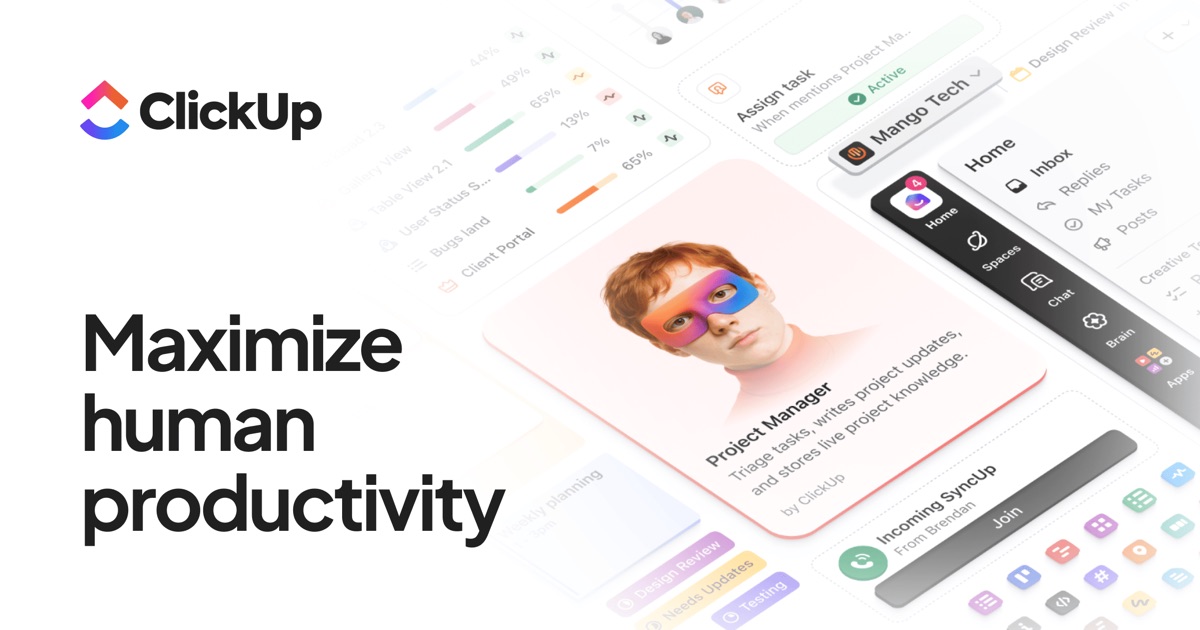
ClickUp describes itself as "One Workspace built to think and work," connecting tasks, docs and conversations to its AI assistant, Brain² [3]. It is the broader of the two tools: tasks, docs, chat, whiteboards, dashboards and goals all sit in one workspace, which is a strength and also the main reason it takes longer to set up.
Verified features: The Free Forever plan includes "Unlimited Tasks & Subtasks," "Collaborative Docs," "Kanban Boards," "Calendar View," "Sprint Management" and "Time Tracking" [1]. List, Table and Calendar views are included on every plan, while Timeline and Workload views are a trial on Free and Core and included from Business [1]. Automation actions run from "100 actions / workspace / month" on Free to "1,000" on Core and "10,000" on Business [1]. Brain² runs "GPT, Claude Opus, Gemini, and more" with knowledge of your work [3].
Pricing: Free Forever is $0 with "No credit card required" [1]. Core is "$9 Regular price $12 user / mo · billed yearly," Business is "$17 Regular price $25," Enterprise is custom, and the new Max plan is "$100 Regular price $120" per user per month billed yearly [1]. AI credits come with every plan: "500 / workspace" on Free, "1,000 / user / mo · pooled" on Core and "1,500 / user / mo · pooled" on Business, and you can add more at "$10 per 10K credits" [1]. One rule matters for budgeting: "To upgrade ClickUp, you'll need to upgrade your entire Workspace, which means all members in your Workspace" [1].
Strengths: The free plan is generous on headcount, so a team can try ClickUp together before anyone pays [1]. Gantt charts and custom fields unlock at Core, the cheapest paid tier, rather than a mid tier [1]. ClickUp also lists a 30-day refund window: "let us know within 30 days and we'll be happy to issue you a full refund" [1].
Limitations: The free plan has 60 MB of storage and only five automation rules [1]. Many features on Free and Core are labeled "Trial," and ClickUp explains that uses "do not reset or count down," so once a trial use limit is hit "you won't be able to edit or create new items with that feature" [1]. In our view, that mix of trials, credits and per-space limits makes ClickUp harder to learn than monday.com. Its Salesforce integration is only listed from Enterprise [1].
Best fit: Teams of two to ten people that want project management, docs and light CRM in one place at the lowest per-user price, and have someone willing to own the setup.
monday.com — simple boards, a real CRM next door
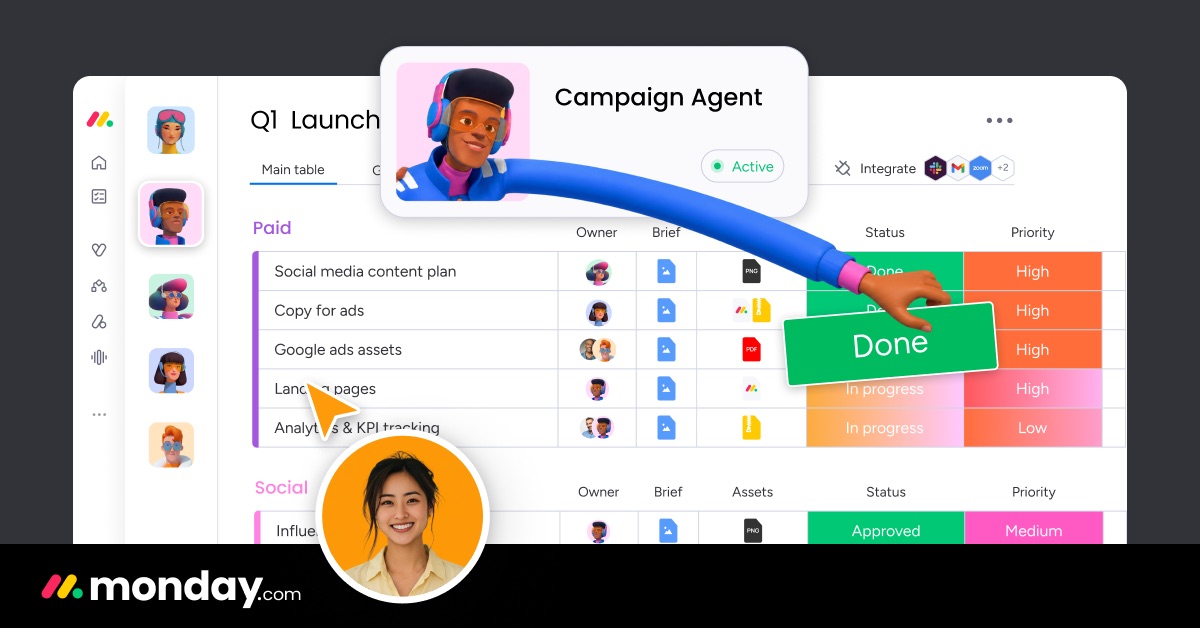
monday.com now calls itself "The AI workspace for people and agents" [4]. Its work management product is built around boards: "Items are the rows in monday.com boards," and an item can be a task on one board and a customer on another [2]. That one idea is easy to learn, which is the main reason teams pick it.
Verified features: The Free plan includes "Up to 3 boards," "Up to 3 Docs," "200+ templates" and "8 column types" [2]. Basic adds "Unlimited free viewers" and "Unlimited items" [2]. Standard adds "Timeline & Gantt views," "Calendar view," "Guest access" and automations at "250 actions / month" [2]. Pro raises automations to "25,000 actions / month" and adds "Private boards and docs" and "Time tracking" [2].
Pricing: Free is $0 for "Up to 2 seats" [2]. On the yearly toggle, Basic is $9, Standard $12 and Pro $19 per seat per month, and Enterprise is a custom quote [2]. AI features are "Available from Basic," with "1,000 AI credits / month" on Basic, "2,000" on Standard and "3,000" on Pro [2]. The yearly plan gives "an 18% discount," and the monthly plan "is not discounted" [2]. There is a "14-day free trial of the Pro plan" [2]. For a deeper breakdown of tiers and totals, see our monday.com pricing guide.
Strengths: The board model is simple, and free read-only viewers on paid plans help when clients or managers only need to look [2]. Unlike ClickUp, monday.com sells a dedicated CRM product (more below), so a sales team can grow into a purpose-built tool without leaving the platform [6].
Limitations: This is where monday.com is weaker for small teams. Paid plans "start from 3 users," so a two-person team pays for at least three seats [2]. Calendar, Timeline and Gantt views, guest access and automations all wait until Standard, so the $9 Basic plan is closer to a shared list than a project tool [2]. The free plan caps you at three boards [2], and Standard's 250 automation actions a month is low next to ClickUp Core's 1,000 [1] [2].
Best fit: Teams of three or more that value an easy start, plan to pay for Standard or Pro, and may want a dedicated CRM later.
Head-to-head: ClickUp vs monday on the details
| Factor | ClickUp | monday.com |
|---|---|---|
| Free plan | "Unlimited Free Members," 60 MB storage [1] | "Up to 2 seats," "Up to 3 boards" [2] |
| Cheapest paid plan | Core, $9 user/mo billed yearly [1] | Basic, $9 seat/month billed annually [2] |
| Seat minimum | Whole Workspace upgrades together [1] | Plans "start from 3 users" [2] |
| Gantt / Timeline | Gantt from Core; Timeline from Business [1] | "Timeline & Gantt views" from Standard [2] |
| Automations | 1,000 actions/month on Core [1] | 250 actions/month on Standard [2] |
| AI | Credits on every plan, including Free [1] | "Available from Basic" [2] |
| CRM | CRM use case inside ClickUp [5] | Separate monday CRM product [6] |
Pricing per seat and seat minimums
At list prices, a two-person team on ClickUp Core pays 2 x $9 = $18 a month billed yearly [1]. On monday.com the same team pays for three seats on Basic, 3 x $9 = $27, because plans "start from 3 users" [2]. At five people the gap is about the plan you need: five seats of ClickUp Core is $45 a month, and five seats of monday.com Standard, the first tier with Gantt views and automations, is $60 [1] [2]. Both vendors' monthly billing costs more than these yearly figures [1] [2].
Free plans
Is ClickUp free? Yes. ClickUp calls its free tier "so much more than a trial" [1], and it fits a whole small team. monday.com's free plan is better seen as a solo or pair trial: two seats and three boards [2].
Automations and AI add-ons
Both tools now meter AI with credits. ClickUp includes a pooled allowance on every plan and sells top-ups at "$10 per 10K credits" [1]. monday.com includes credits from Basic up and says "Need more? Add credits anytime" [2]. For rule-based automations, ClickUp gives more actions at each comparable price point [1] [2].
Learning curve
This is opinion based on the vendor pages, not testing. monday.com's model of boards, items and columns is easy to explain to a new hire [2]. ClickUp's comparison table runs to well over a hundred rows with "Trial" states and per-space limits [1], which means more decisions up front. If nobody on your team wants to be the admin, that matters more than a few dollars per seat.
CRM options: monday CRM vs ClickUp's CRM use
ClickUp does not sell a separate CRM. Instead it pitches its workspace for CRM work: "Pipeline, contacts, email, dashboards, automations, forms, docs, whiteboards, and time tracking. One workspace, one record per deal" [5]. Its angle is that "Other CRMs track the deal. This tracks the deal and the work" [5], which suits service businesses where the sale turns straight into delivery.
monday CRM is its own product with its own pricing tiers (Basic, Standard, Pro and Ultimate) [2]. monday.com says it supports "both pre- and post-sales processes on one platform" and is "up and running in minutes" [6]. On its pricing page, CRM Basic includes "1,000 active contacts & deals," and Pro adds "Send mass emails" and "Set email sequences" [2]. If your sales process needs email sequences and lead limits that grow with the team, monday CRM is the more purpose-built option. If you mostly need a pipeline board next to your project work, ClickUp may be enough. If neither fits how you sell, a custom CRM can be built around your process.
Which should you pick
- Two people, tight budget: ClickUp. The free plan covers your whole team, and Core avoids monday.com's three-seat minimum [1] [2].
- Three to ten people who want easy adoption: monday.com Standard or Pro, if you accept paying for the tier that unlocks Gantt views and automations [2].
- Heavy automation users: ClickUp, which gives more automation actions per dollar on its lower tiers [1] [2].
- Sales-led teams: monday CRM, a dedicated CRM with email sequences on Pro [2] [6].
- Service firms that sell and deliver in one flow: ClickUp's CRM setup keeps the deal and the work on one record [5].
Whichever you choose, start on the free plan or trial, rebuild one real project, and only then commit to yearly billing. If you plan to connect either tool to AI agents or other systems, our AI integration services team can help.
FAQ
Is ClickUp cheaper than monday.com?
Usually, for small teams. ClickUp Core is $9 per user per month billed yearly [1], and monday.com Basic is also $9 per seat billed annually, but monday.com plans "start from 3 users" and its Gantt and automation features begin at Standard, $12 per seat [2].
Is ClickUp free for a whole team?
Yes. The Free Forever plan is $0 and includes "Unlimited Free Members," with 60 MB of storage and a limit of five active automation rules [1].
How does monday.com pricing work for small teams?
Pricing is "based on two factors; the feature plan you'd like to use, and the number of users" [2]. The Free plan covers up to two seats, paid plans start from three users, and the yearly plan saves 18% [2].
How does monday CRM pricing compare with monday work management?
monday CRM has its own tiers (Basic, Standard, Pro and Ultimate) shown separately on the pricing page [2]. CRM Basic includes "1,000 active contacts & deals," and Standard raises that to "10,000 active contacts & deals" [2].
Monday vs ClickUp: which has more views?
Both cover list, board and calendar views. ClickUp includes List, Table and Calendar views on every plan, with Timeline from Business [1]. monday.com adds Calendar, Timeline and Gantt views on Standard and "Advanced board views" on Pro [2].
Our recommendation
For most two- to five-person teams, ClickUp is the better value: a free plan that fits everyone and a $9 Core plan with Gantt charts and 1,000 automation actions [1]. monday.com is the better choice when ease of adoption matters most or when you expect to need a dedicated CRM, but plan around its three-seat minimum and budget for Standard rather than Basic [2] [6]. For more on picking a CRM path, read our guide to CRM selection: custom, Salesforce or off-the-shelf.
Sources
- ClickUp Pricing and Plans — checked 2026-11-08
- monday.com pricing and plans — checked 2026-11-08
- ClickUp: Maximize productivity — checked 2026-11-08
- The AI Workspace for People & Agents | monday.com — checked 2026-11-08
- CRM Project Management Software for Service Teams | ClickUp — checked 2026-11-08
- AI CRM Software | monday CRM — checked 2026-11-08