SFDIFY

For a busy founder, the right email management software is either a filter on top of your current inbox, like SaneBox, which "works wherever you check your email" [1], or a faster client such as Superhuman Mail, which will "remind you to follow up" [2]. For a team sharing support@ or sales@, pick a shared inbox: Front starts at "$25 /seat/mo, up to 10 seats" with "Shared inbox and ticketing" [3], and Help Scout has a Free plan that "includes 5 users, 1 Inbox, and 1 Docs site" [4].
Email management is two problems: one person's overloaded inbox, or several people sharing one address. This guide covers both, not newsletter tools.
How we chose
We compared six tools founders often shortlist for email inbox management: four personal triage tools (SaneBox, Superhuman, Shortwave, Spark) and two shared team inboxes (Front, Help Scout). All facts come from vendor homepages and pricing pages checked on 2026-11-08; no hands-on testing, no scores. SaneBox pays us a commission through our link, which does not change its position or its listed limits.
Email management software compared
| Product | Best for | Starting price | Notable |
|---|---|---|---|
| SaneBox | Filtering an inbox you keep using in your current app [1] | Snack plan $9.49 monthly, one account [5] | 7-day free trial for each plan [1] |
| Superhuman | A fast, AI-assisted email client [2] | Mail comes in Business, $33 per member/month billed annually [6] | Email Assistant also works inside Gmail or Outlook [2] |
| Shortwave | Gmail users who want AI filters written in plain English [7] | Business $30 per seat/month [8] | 14-day free trial [8] |
| Spark | A free multi-account client with light team features [9] | Free $0; Plus $10/month per user [9] | Shared inboxes for addresses like sales@ [9] |
| Front | Shared inboxes for support, sales and ops teams [10] | Starter $25/seat/mo, billed annually [3] | 14-day trial with Professional features [3] |
| Help Scout | Customer support teams that want a help desk built around email [11] | Free plan; Standard $25 per user/mo [4] | AI agent add-on at $0.75 per resolution [4] |
Part 1: Personal inbox triage tools
The key question here: keep your current email app (SaneBox) or switch clients (Superhuman, Shortwave, Spark).
SaneBox — a filter layer for the inbox you already have

SaneBox is not an email app. It describes itself as an "AI email management service" that will "automatically sort your incoming emails into different folders based on their importance" [1]. You keep your current app; SaneBox reorganizes what lands in it.
Verified features: SaneBox lists support for "Gmail, Microsoft 365, Apple iCloud, Yahoo Mail and Fastmail", plus "any IMAP, Microsoft Exchange or ActiveSync server" [1]. BlackHole removes unwanted senders "from your inbox for good", and Reminders flag when "someone doesn't respond to your email by a certain time" [1]. Its newer AI bundle adds features that "draft replies in your voice, summarize any folder, surface emails awaiting a reply, and condense your Digest" [1]. On privacy, it says it "looks at the basics like sender, subject line and date of your mail" and will "never store full emails or attachments" [1].
Pricing: The plan data on its pricing page lists Snack at $9.49 monthly for one email account, Lunch at $15.99 monthly for two accounts, and Dinner at $42.99 monthly for four accounts, with the AI drafting and summary features included on Dinner [5]. There is "a 7-day free trial for each plan" [1].
Strengths: "Nothing to download. No manual setup." [1]. Good for people happy with their email client but not with what arrives in it.
Limitations: SaneBox filters your existing inbox rather than replacing the client, so reading and writing are no faster; you still work in your current app. Its pages describe a personal service, not a shared team inbox, so it does not solve support@ or sales@. AI drafting and summaries sit on the top Dinner plan [5].
Best fit: A founder in Gmail or Outlook with lots of low-priority mail who wants it sorted without changing tools.
Superhuman — a speed-focused email client with AI
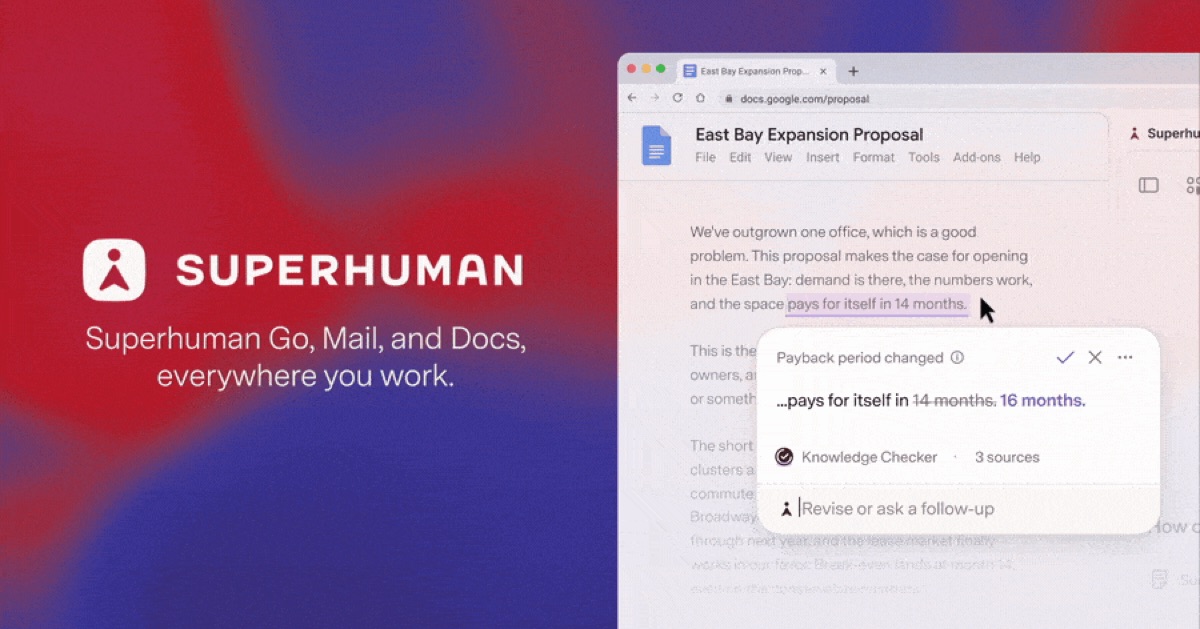
Superhuman Mail is a full email client for heavy email users, now sold in a suite with Grammarly, Docs and an AI assistant called Go [6].
Verified features: With Split Inbox you can "split out emails from your team, your VIPs, or your most used tools" [2]. Pick a time when you send, and "If you don't hear back by then, we'll remind you to follow up" [2]. You can "share a live view of any email with your team", and teammates "can comment on the email, even if they don't use Superhuman" [2]. Email Assistant "works inside Gmail or Outlook" if you would rather not switch [2].
Pricing: The Mail app is part of the Business plan at "$33 per member / month, billed annually" or "$40 when billed monthly" [6]. The cheaper Pro plan, "$12 per member / month, billed annually", includes Email Assistant to "draft replies, clear inbox clutter, and follow up for you" [6]. Business also lets you "View and update HubSpot, Salesforce, and Pipedrive" from the inbox [6].
Strengths: Follow-up reminders, shared email views and CRM access in one place suit founders sending a lot of deal and hiring email.
Limitations: At $33 to $40 per member per month for the Mail client [6], it is one of the pricier personal options here. Bundled pricing means paying for Grammarly, Docs and Go too. Shared views and comments help discussion, but it is not a support ticketing system.
Best fit: A founder or sales lead living in email, with budget for a premium seat.
Shortwave — AI-first email for Gmail users

Shortwave is an email client centered on an AI agent you can prompt to "organize, schedule, write and search" [7].
Verified features: Custom AI filters let you "automatically label, star, archive, and more with scripts you write in plain English" [7]. Teams can share live threads, comment, and "give important emails a clear owner and track progress with a team-wide done status" [7]. You can "quickly switch between Gmail accounts on any device" [7].
Pricing: The pricing page lists Business at "$30 per seat / month", and Premier at "$45 per seat / month", with a "14 day free trial" [8]. AI filter limits rise by plan, from "3 AI-powered filters" on Business [8].
Strengths: A broad AI feature set plus team features (assignees, comments) for a small group sharing context.
Limitations: The pages we read reference Gmail accounts; Microsoft 365 users should confirm support first. The lowest tier caps you at three AI filters.
Best fit: A Google Workspace founder or small team happy to switch clients for AI sorting.
Spark — a free cross-platform client with team options
Spark Mail is a cross-platform email app "designed to filter out the noise" [12]. It connects IMAP, iCloud, Exchange, Outlook, Yahoo and Google accounts [12].
Verified features: Gatekeeper lets you "screen and block emails from unwanted senders", and priority emails are "highlighted so that you never miss an important message" [12]. Pro adds Auto-Drafts and Read Statuses [9]. For teams, Spark lists Shared Inboxes to "connect shared accounts like sales@ and collaborate with your team" [9].
Pricing: The Free plan is $0 and includes "Smart Inbox Unlimited Email Accounts" [9]. Plus is "$10 / month per user" and Pro is "$20 / month per user" on monthly billing, with lower annual rates [9]. Spark "offers a seven-day free trial for both Plus and Pro" [9].
Strengths: A free plan for the email client itself, broad account support, and a cheap step up to light shared inbox features.
Limitations: Its team tools live inside an email client, not a help desk with SLAs. Free users get "2 free active collaborators" [9], so growing teams will need a paid plan.
Best fit: A founder juggling several accounts who wants a better client for free, or a tiny team that sometimes shares sales@.
Part 2: Shared team inboxes for support and sales
Once several people answer one address, you need assignment, internal comments and visibility into who replied.
Front — a shared inbox for support, sales and ops together
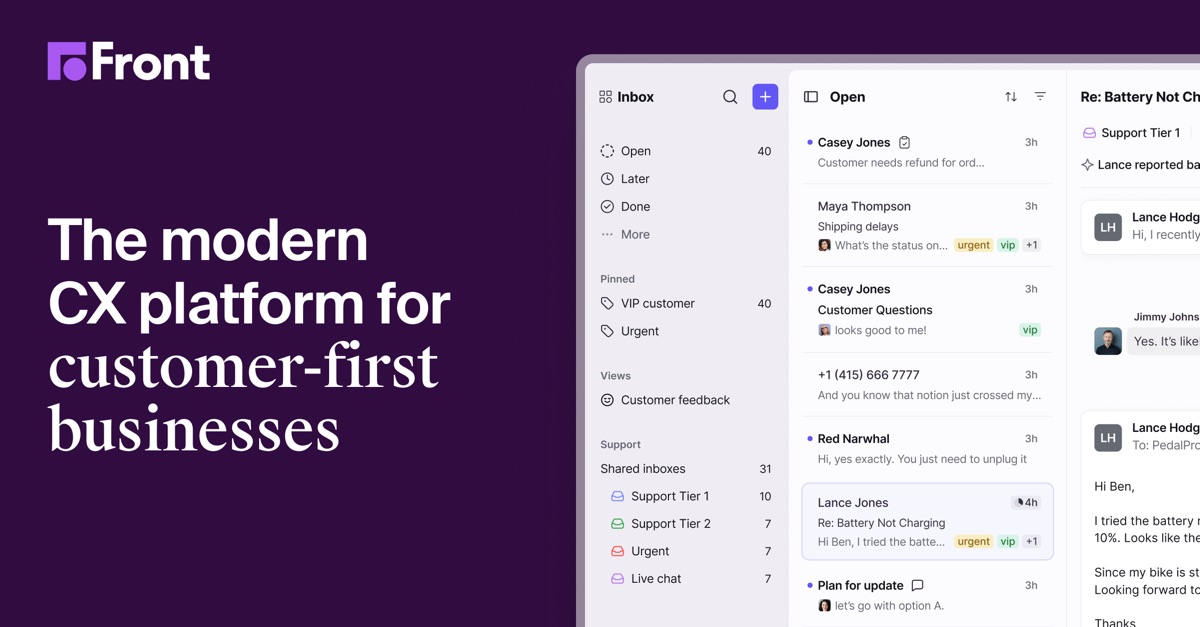
Front positions itself as one place to "bring support, sales, operations, and AI agents together" around customer conversations [10].
Verified features: Front's shared inbox includes assignments, tags, views, and "internal comments and shared drafts" [3]. Guest accounts let you "invite colleagues to comment on a conversation in Front without needing a license" [3], and you can "bring your individual email into Front and manage it alongside conversations in shared inboxes" [3].
Pricing: Prices are shown billed annually: Starter "$25 /seat/mo, up to 10 seats", Professional "$65 /seat/mo, up to 50 seats", and Enterprise "$105 /seat/mo" [3]. The Copilot AI add-on is "$20 / seat / month" [3]. The "free 14-day trial offers all the features available in our Professional plan" with no credit card needed [3].
Strengths: Fits mixed teams where sales and account managers, not just support, work from shared addresses.
Limitations: Starter is limited to a single channel type and up to 10 automation rules [3], so omnichannel teams jump to $65 per seat. Copilot is an extra cost below Enterprise.
Best fit: A small company where several roles share customer email.
Help Scout — email help desk software for support teams

Help Scout is a customer support platform whose Inbox "brings email, SMS, social, chat, and voice into one clean space" [11].
Verified features: Plans include saved replies, tags, snooze, send later and customer profiles, and Plus adds "Round robin routing" and "Salesforce, Jira, and HubSpot" integrations [4]. The Envoy AI add-on is priced at "$0.75 /resolution" with a "3-month free trial" [4].
Pricing: The Free plan "includes 5 users, 1 Inbox, and 1 Docs site" [4]. Paid plans are listed at Standard "$25 per user/mo", Plus "$45 per user/mo" and Pro "$75 per user/mo" [4]; a Monthly/Annual toggle marks annual "-16%" [4], so confirm the billing period.
Strengths: A real free tier, a Docs site included, and pay-per-resolution AI rather than a flat AI seat fee.
Limitations: The Free plan caps contacts at 100 per month [4], so it fits early-stage volume only. Sales teams needing personal follow-ups will fit Front or a personal client better.
Best fit: A startup with a small support team answering one shared address.
How to choose the right email management system
If the mail is mostly addressed to you, choose a personal tool; if several people reply from a shared address, choose a shared inbox. Many small companies use one of each.
For personal triage, decide whether you will switch apps. If not, SaneBox works on top of your current client. If so, compare Superhuman for sales features, Shortwave for AI on Gmail, and Spark for a free multi-account client. For team inboxes, Help Scout suits support-led teams; Front suits teams where sales and operations share customer email.
Also check how email connects to your stack. If you want email to log into your CRM or trigger follow-ups, our guide to AI agent integration with your CRM and inbox covers the wiring, and which AI agents to deploy first for sales and support helps you sequence the work. When off-the-shelf tools stop fitting your process, custom CRM development can bring email, deals and support history into one system.
FAQ
What is the difference between an email management app and email help desk software?
An email management app helps one person with their own inbox; SaneBox, for example, sorts incoming email into folders by importance [1]. Email help desk software lets a team share an address, as with Front's "Shared inbox and ticketing" [3].
Which email management tools work with both Gmail and Outlook?
SaneBox lists Gmail, Microsoft 365 and any IMAP or Exchange server [1]. Spark connects Google, Outlook, Exchange, iCloud and IMAP accounts [12]. Superhuman's Email Assistant "works inside Gmail or Outlook" [2].
Is there free email management software?
Yes, with limits. Spark's Free plan is $0 and includes unlimited email accounts [9], and Help Scout has a Free plan for up to 5 users [4]. SaneBox, Shortwave and Front advertise free trials: 7 days for SaneBox [1] and 14 days for Shortwave [8] and Front [3].
How does AI for email management work in these tools?
Shortwave lets you write filters "in plain English" [7], SaneBox's AI bundle can "draft replies in your voice" [1], and Help Scout's Envoy add-on resolves customer requests for "$0.75 /resolution" [4].
Our recommendation
Want relief without changing apps? Start the SaneBox trial. Want a faster client? Try Spark free, then compare Shortwave (Gmail, AI-heavy) and Superhuman (premium, sales-friendly). For shared support email, start on Help Scout Free; if sales and operations share it too, trial Front.
Sources
- SaneBox | Email Management for Any Inbox — checked 2026-11-08
- Superhuman Mail | Get Ahead of Your Inbox — checked 2026-11-08
- Front Pricing and Plans | Front — checked 2026-11-08
- Help Scout Pricing: Affordable Customer Support Software — checked 2026-11-08
- SaneBox | Pricing — checked 2026-11-08
- Superhuman Suite | Pricing & Plans — checked 2026-11-08
- Shortwave — Automate your email with AI — checked 2026-11-08
- Shortwave | Pricing — checked 2026-11-08
- Spark Pricing — checked 2026-11-08
- Front | Customer service platform, powered by AI — checked 2026-11-08
- Help Scout: The AI-driven support platform for customer-first brands — checked 2026-11-08
- Spark Mail — Smart. Focused. Email. — checked 2026-11-08