SFDIFY

The QuillBot paraphrasing tool offers "9 predefined modes" plus unlimited Custom modes, but free users get only Standard and Fluency and can paraphrase "up to 125 words" at a time [1, 2]. Premium unlocks "unlimited inputs" and the other modes [1]. Grammarly is the stronger pick if you also want a full grammar and tone assistant, with Pro listed at "$12 USD" [3], while Wordtune suits people who rewrite short emails and messages and starts at $0 with "10 Rewrites & AI suggestions" a day [4].
If you write proposals, client emails, landing pages or reports, a paraphraser saves time on the second draft. The catch is that the three big names package paraphrasing very differently: QuillBot is a dedicated rewriter with many modes, Grammarly folds paraphrasing into a broader writing assistant, and Wordtune sells daily rewrite allowances. This guide walks through what each one does, what the free plan really gives you, and where each falls short.
How we chose
We compared QuillBot, Grammarly, Wordtune and the Scribbr Paraphrasing Tool, because these are the options a writer typically weighs when they search for a QuillBot alternative. Everything below comes from the vendors' own product, pricing and help pages, checked on 2026-11-08. We did not run hands-on tests, and we do not score or rank the tools. Prices are in US dollars and can change by region or at checkout.
Comparison at a glance
| Product | Best for | Starting price | Notable |
|---|---|---|---|
| QuillBot | Dedicated paraphrasing with many modes | Free; Team plan from $7.50 USD/month/seat [2] | 9 predefined modes plus Custom [1] |
| Grammarly | Paraphrasing inside a full grammar and tone assistant | Free; Pro "$12 USD" [3] | Six preset styles, six languages [5] |
| Wordtune | Quick rewrites of emails and messages | Free; Advanced $4.89/month billed annually [4] | Formal, casual, expand and shorten options [6] |
| Scribbr Paraphrasing Tool | Students who want free, no-sign-up rewrites | "100% free" [7] | "Powered by QuillBot," two modes [7] |
QuillBot — the dedicated paraphraser
QuillBot is built around its Paraphraser, which the company describes as working "like a full-sentence thesaurus" [1]. It sits inside a wider suite that also includes a grammar checker, summarizer, AI detector, plagiarism checker and citation generator [8].
Verified features: The tool lists ten mode options: Standard, Fluency, Humanize, Formal, Academic, Simple, Creative, Expand, Shorten and Custom, where Custom "rewrites text to match the unique description provided" [1]. A Synonym Slider controls how much vocabulary changes: left gives "a more accurate rephrase with fewer changes," right gives "a more creative output" [1]. You can click any word to see suggested synonyms and rephrase text "in 20+ different languages" [1].
Pricing: The free plan covers "Paraphrase up to 125 words," basic grammar fixes, basic summaries and an AI Detector limited to 1,200 words [2]. Premium adds "Unlimited text paraphrasing," premium grammar recommendations, custom summaries and an unlimited AI Detector [2]. QuillBot's help center says Premium cost "depends on your region and the subscription plan you select," with monthly, quarterly and annual options [9]. The individual price is shown after sign-up, so we could not confirm a dollar figure. The Team plan is public: $7.50 USD/month/seat for 2 to 10 seats, billed at $89.95 per seat every 12 months, dropping to $5.83 for 51+ seats [2].
Strengths: The widest choice of paraphrasing modes in this group, a clear free tier, and fine control over how far the rewrite strays from the original.
Limitations: The free plan's 125-word cap and two modes are tight for anything longer than a paragraph [2, 1]. Individual Premium pricing is not shown on a public page, which makes budgeting harder than with Grammarly or Wordtune. Grammar and tone feedback is less central to the product than it is in Grammarly.
Best fit: Writers, marketers and students who paraphrase often and want to switch between formal, simple, shorter or longer versions of the same passage.
Grammarly — paraphrasing inside a writing assistant
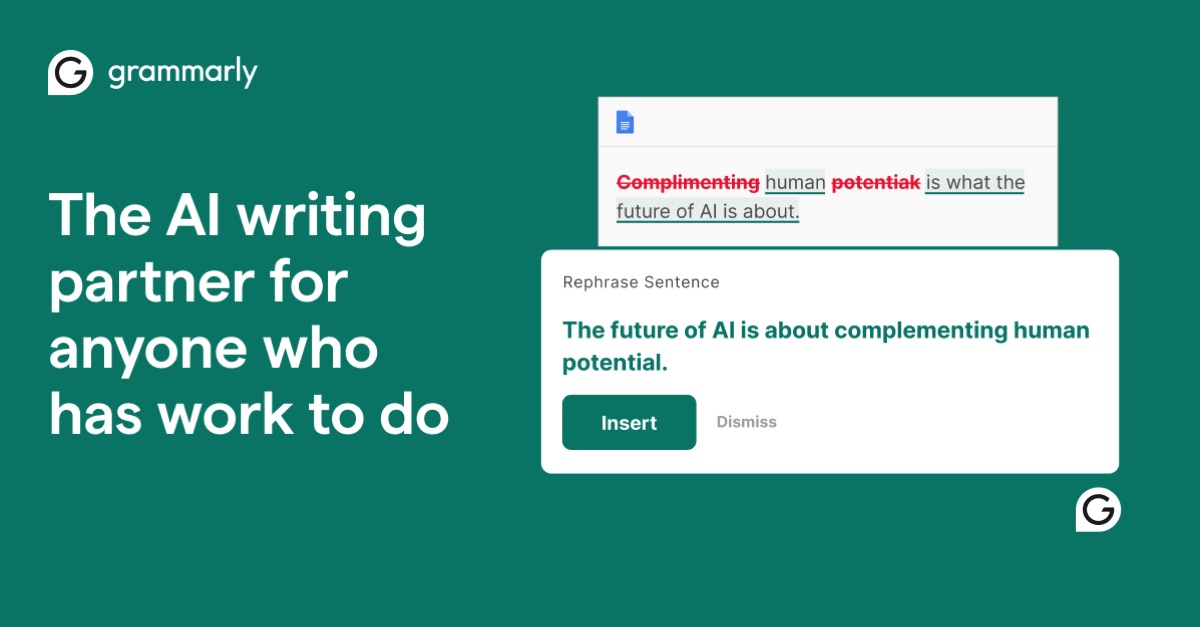
Grammarly is mainly a grammar, clarity and tone assistant, and the company says it is "Trusted by 50,000 organizations and 40 million people" [10]. Its Grammarly paraphrasing tool, called the Paraphraser agent, is available with a free account [5].
Verified features: You can "Choose from six preset styles" or add tone and style direction to create a custom voice [5]. It paraphrases in "English, Spanish, French, German, Portuguese, and Italian" [5]. Pro adds full-sentence rewrites, tone adjustment, plagiarism and AI-text detection, and 2,000 AI prompts a month instead of the free plan's 100 [3].
Pricing: Pro is shown at "$12 USD" with a free trial; the page's plan data lists an "Annual Grammarly Pro plan" at 144.0 USD and a monthly Pro plan at 30.0 USD [3]. In other words, $12 a month assumes annual billing. Enterprise is sold through sales [3].
Strengths: One tool for grammar, tone, plagiarism checks and paraphrasing, plus team features such as style guides and brand tones on paid plans [3].
Limitations: Six paraphrasing languages versus QuillBot's 20+ [5, 1]. Month-to-month Pro is far more expensive than the headline price. If you only need a rewriter, you pay for a lot you may not use.
Best fit: Teams and professionals who want paraphrasing as one feature of an everyday writing assistant rather than a separate tool.
Wordtune — rewrites for emails and messages
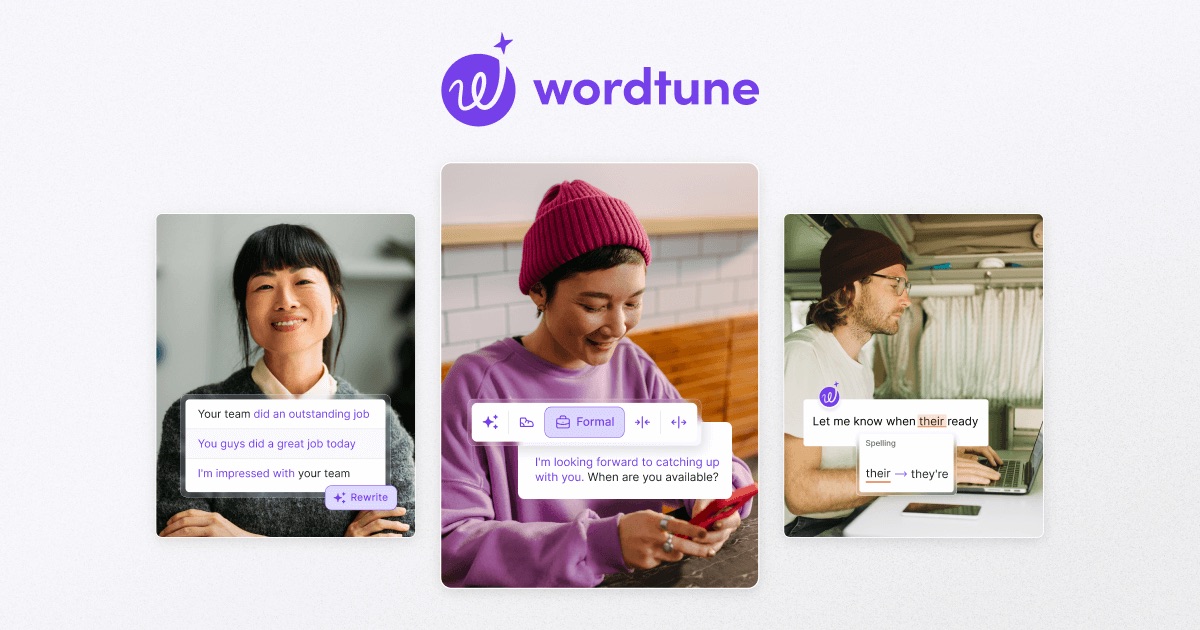
Wordtune describes itself as a paraphrasing tool and reading and writing assistant that can also "summarize documents, articles, webpages, and even YouTube videos" [11].
Verified features: The editor offers Rewrite, Make it formal, Make it casual, Expand it and Shorten it [6]. You can write in another language and Wordtune "will automatically translate your text into English" [6].
Pricing: Basic is $0.00 with "10 Rewrites & AI suggestions" per day [4]. Advanced is $4.89 per month billed annually (shown against $6.99) with a higher daily cap, and Unlimited is $6.99 per month billed annually (shown against $9.99) with unlimited rewrites [4]. Paid plans have a 3-day free trial, and Wordtune says "We do not offer refunds," though you can cancel before the next cycle [4].
Strengths: Simple tone and length controls, a low annual price for unlimited rewrites, and a focus on everyday business messages.
Limitations: The free plan's daily cap of 10 rewrites is small, and there are fewer named paraphrasing modes than QuillBot's list [4, 1]. No refunds means you should decide during the trial.
Best fit: Non-native English speakers and professionals who mostly rewrite emails, chat messages and short copy.
Scribbr Paraphrasing Tool — free and no sign-up
Scribbr's Paraphrasing Tool is aimed at students and is "powered by QuillBot," according to its own page [7]. That makes it less of a true alternative and more of a free, simplified front end to the same engine.
Verified features: Two modes, Standard and Fluency, an interactive thesaurus, and passages "up to 125 words per input" [7]. No sign-up is required and the tool is ad-free [7].
Pricing: Scribbr says "It's 100% free" with "no hidden costs or fees" [7].
Strengths: No account, no ads, and a direct link to Scribbr's plagiarism checker for academic work [7].
Limitations: The same two modes and 125-word input limit as QuillBot's free plan, with no paid upgrade path for more modes inside the tool [7].
Best fit: Students who want a quick, free rewrite of a short passage before checking it for plagiarism.
How to choose a paraphrasing tool
Start with what you rewrite most. If it is long passages that need different styles, such as an academic version and a plain-English version of the same paragraph, QuillBot's mode list and Synonym Slider are built for that. If paraphrasing is one part of a wider editing job, Grammarly's grammar, tone and plagiarism features may justify the higher price. If you mostly polish short messages, Wordtune's formal, casual, expand and shorten buttons cover the job at a lower annual cost.
Next, check the free limits against your real workload. QuillBot and Scribbr cap each input at 125 words, and Wordtune caps rewrites at 10 a day. A test with a real proposal or blog section will tell you quickly whether the free tier is enough.
Finally, think about the team. QuillBot and Grammarly both publish team features such as shared style guides [2, 3]. If your team is writing a lot of repetitive sales or support copy, a paraphraser may only be part of the answer; we cover where AI writing fits in a small business in The Real Benefits of Generative AI for a Small Business, and when it makes sense to build AI into your own tools on our AI integration services page.
FAQ
Is the QuillBot paraphrasing tool free?
Yes. QuillBot says its Paraphraser "offers a free version with limited usage," and free users get the Standard and Fluency modes [1]. The free plan lets you paraphrase up to 125 words at a time [2].
What does QuillBot Premium add?
QuillBot says Premium offers "unlimited inputs, 10+ paraphrasing styles, and more" [1]. Its plan comparison also lists premium grammar recommendations, custom summaries and an unlimited AI Detector [2]. Premium is sold monthly, quarterly or annually, and the price depends on your region [9].
QuillBot vs Grammarly: which is better for paraphrasing?
For paraphrasing alone, QuillBot offers more modes, with 9 predefined modes plus Custom, and rephrasing in 20+ languages [1]. Grammarly offers six preset styles in six languages but adds grammar, tone and plagiarism tools in Pro [5, 3].
Are there free QuillBot alternatives?
Grammarly's Paraphraser works with a free account [5], Wordtune's Basic plan is $0.00 with 10 rewrites a day [4], and Scribbr's tool is free with no sign-up, although it is powered by QuillBot [7].
Our recommendation
Choose QuillBot if paraphrasing is the main job and you want the most control over style. Choose Grammarly if you want one assistant for grammar, tone and rewrites and can commit to annual billing. Choose Wordtune for low-cost rewrites of everyday messages. Use Scribbr's free tool for short academic passages. Try the free tier of your top pick on a real document before paying, and if you are thinking about bigger AI writing workflows across your sales or support team, see our AI agents and chatbots work.
Sources
- Paraphrasing Tool (Ad-Free and No Sign-up Required) - QuillBot AI — checked 2026-11-08
- QuillBot Team Plan — checked 2026-11-08
- Grammarly Prices and Plans — checked 2026-11-08
- Wordtune Pricing and Plans — checked 2026-11-08
- Free Paraphrasing Tool - Grammarly — checked 2026-11-08
- Paraphrasing Tool - Wordtune — checked 2026-11-08
- Free Paraphrasing Tool - Scribbr — checked 2026-11-08
- QuillBot: Write, Design & Create — checked 2026-11-08
- What is the price of QuillBot Premium? - QuillBot Help Center — checked 2026-11-08
- Grammarly: The AI writing partner — checked 2026-11-08
- Wordtune - Express yourself with confidence — checked 2026-11-08