SFDIFY
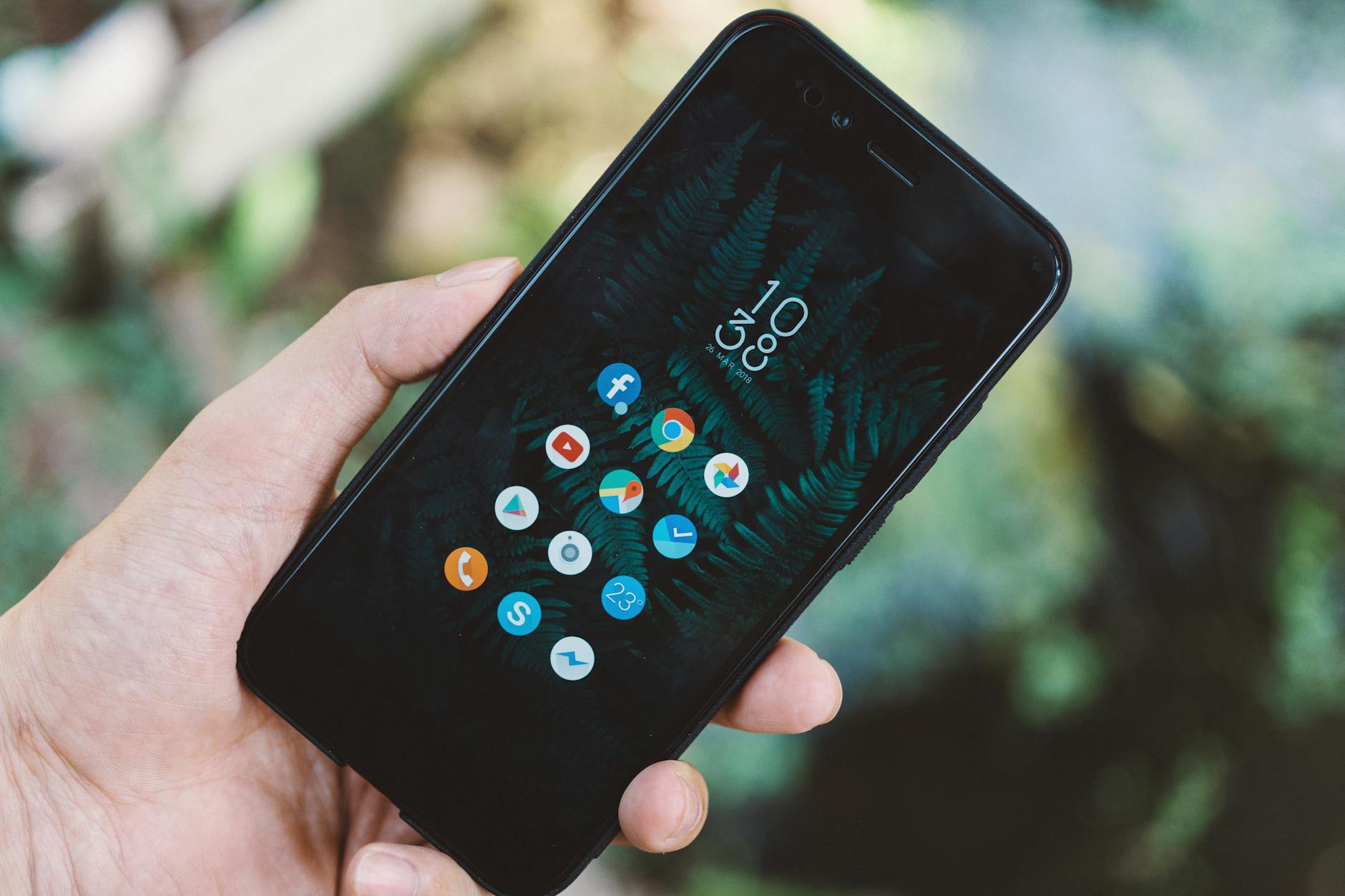
Most small businesses should build a mobile-responsive website first — it's cheaper, faster to launch, and reaches anyone who searches for you on Google. Build a mobile app only when you have a specific, recurring reason for customers to open it — like booking appointments, tracking loyalty points, or using a feature that needs a phone's camera or push notifications. Agency app projects reviewed on Clutch average about $90,780, versus about $38,105 for web design projects [1, 2]. Many businesses never need an app at all, and that's fine.
- A small-business website typically costs less than a custom mobile app and launches sooner: Clutch's review data puts web design projects at about 7 months for most web design projects versus about 11 months for a typical app project [1, 2].
- Websites are discoverable through search engines by default; apps require someone to already know you and go find them in an app store.
- The right trigger for building an app is a repeat-use case — ordering, booking, tracking — not simply wanting to "look more modern."
- You can combine both: a responsive website now, with an app added later once usage patterns justify it.
What's the real difference between a website and an app?
A website is a set of pages accessed through a browser — on desktop or mobile — with no download required. An app (short for application) is software a user installs on their phone or tablet, usually through the Apple App Store or Google Play, that runs even without a browser open.
The distinction matters because of how people find each one. A website can show up in a Google search the moment someone types "plumber open now" or "best tacos near me." An app has no such visibility — a user has to already know your business exists, search the app store by name, and complete an install before they see anything.
There's also a middle option worth knowing: a progressive web app (PWA), which is a website built to behave more like an app — it can be installed on the device, send notifications and work offline [3]. Customers get it from your website, so there is no app-store listing to set up. It's a reasonable bridge for businesses that want app-like convenience without app-level cost.
Website vs. app: quick-reference comparison
| Factor | Website | Mobile App |
|---|---|---|
| Typical cost to build | Lower — web design agencies typically charge $2,000 to $100,000 depending on scope [1] | Higher — most app projects reviewed on Clutch range from $10,000 to $49,999, averaging about $90,780 [2]; detailed in How Much Does a Custom Mobile App Cost in 2026? |
| Time to launch | Weeks for a simple site; agency web design projects on Clutch typically last about 7 months [1] | Months — app projects on Clutch typically take about 11 months [2] |
| Discoverability | High — indexed by search engines | Low — requires an app-store search or a direct link |
| Install required? | No | Yes |
| Works offline? | Rarely | Can be built to work offline |
| Best for | Information, credibility, bookings, e-commerce | Repeat engagement, loyalty, device features (camera, GPS, push alerts) |
| Approval process | None — you control your own site | Subject to app-store review; Apple says every App Store app is reviewed by experts [4] |
| Ongoing cost | Hosting and occasional updates | Store fees ($99 a year for Apple; $25 once for Google Play), OS updates, and maintenance [5, 6] — see Mobile App Maintenance Costs |
Do I actually need an app, or does a website cover it?
For most small businesses, a website covers it — an app is only worth building when customers need to use your business repeatedly and quickly, in a way a browser tab makes clumsy.
Ask these questions before committing to app development:
- Will customers use this more than once a week? Apps earn their cost through repeat use — a coffee shop loyalty card, a gym class scheduler, a delivery tracker. A one-time visitor, like someone booking a single dentist appointment, is served just fine by a website.
- Do you need a phone feature a website can't reach well? Camera scanning, GPS-based check-ins, and push notifications are native strengths of apps. A website can approximate some of these but usually less smoothly.
- Can your customer complete the task without installing anything? If yes, that's a strong signal a website (or a PWA) is the better first move — an install is an extra step a website never asks customers to take.
- Do you have the budget for both build and upkeep? An app isn't a one-time cost. Apple and Google both raise their build requirements as operating systems change: since April 28, 2026, App Store uploads must be built with Xcode 26 [7], and from August 31, 2026, new Google Play apps and updates must target Android 16 [8].
- Would a well-optimized website with a booking or ordering tool solve most of the same problem? If so, start there. You can always add an app once you see real demand.
an app that customers download and then never open again costs you money on two fronts — the build cost and the ongoing maintenance — while returning nothing. Confirm there's a repeat-use reason before you commission one.
What does each option actually cost and how long does it take?
Costs vary widely by scope, but the pattern holds across most credible development-cost breakdowns: websites are the lower-cost, faster-to-launch option, and apps scale up in both price and time as features are added.
- Basic marketing website (5–10 pages, contact form, mobile-responsive): typically the least expensive digital investment a small business makes, often completed in a few weeks.
- E-commerce website (product catalog, cart, payment processing): a step up in cost and build time due to inventory and payment integration.
- Simple mobile app (a few core screens, no complex backend): a meaningful jump from website pricing — most app projects reviewed on Clutch fall between $10,000 and $49,999 [2] — and commonly takes a couple of months from design to launch, as outlined in What Determines Custom App Development Timelines.
- Complex app (real-time data, payments, multiple integrations, or AI features): the highest cost tier, and timelines commonly stretch several months or more.
Two ongoing costs are easy to underestimate:
- App-store developer fees. The Apple Developer Program costs 99 USD a year [5], and Google charges a US$25 one-time registration fee for Google Play [6] — worth confirming directly before budgeting, since fee structures do change.
- Maintenance. Both websites and apps need upkeep, but apps carry more of it — operating system updates from Apple and Google can require code changes just to keep an existing app running, independent of any new features you want to add. On Google Play, existing apps that don't meet the target API level stop being available to new users on newer Android devices [8].
We can't decide — is there a middle path?
Yes — build a strong website first, instrument it to track real usage, and let actual customer behavior tell you if an app is worth the investment. This avoids the most common mistake in this decision: building the more expensive option on a guess instead of on evidence.
A practical sequence looks like this:
- Launch a mobile-responsive website with clear calls to action — booking, ordering, contacting you — so you can measure what people actually try to do.
- Add analytics to see how many visitors are on mobile devices versus desktop, and what they click.
- Watch for repeat-visit patterns — customers coming back weekly or more, or asking for features a browser handles awkwardly.
- Pilot a lighter version first, such as a progressive web app, if you want to test app-like behavior before a full native build.
- Reassess after a real usage window, not a hunch — three to six months of data tells you more than a competitor's app ever will.
This sequencing also matters if you're layering in automation. Many small businesses considering an app are really trying to solve a workflow problem — appointment reminders, order tracking, customer follow-up — that AI tools or a CRM integration can sometimes solve without a custom app at all. We've covered practical examples of this in How Small Businesses Save Money With AI and AI for Small Business: Practical Ways to Save Time Daily.
Checklist: what to gather before you talk to a developer
Whichever direction you lean, arriving prepared saves real time and money in early conversations with any development team.
- Write down the top three tasks you want customers to complete (book, buy, contact, track).
- List the devices and browsers most of your customers likely use, based on your current traffic if you have any.
- Decide whether you need to store customer accounts, payment info, or order history — this changes cost significantly for either option.
- Set a realistic budget range and timeline before requesting quotes.
- Identify any device features you truly need — camera, GPS, push notifications — versus features that just sound nice.
- Ask what ongoing maintenance is included versus billed separately, since this cost is often left out of initial quotes.
If you do move toward an app, it's worth reviewing 8 Questions to Ask Before You Hire an App Developer and getting familiar with the basic vocabulary in App Development Terms Every Business Owner Should Know — both make vendor conversations shorter and clearer.
Every business's situation is different, and the right starting point depends on your customers, your budget, and what you're actually trying to solve. SFDIFY works with small and mid-size businesses on websites, custom apps, and AI integration, and can help you map out which one — or whether both — makes sense for where you are right now. Reach out to talk through your specific situation before you commit budget to either direction.
Sources
- Web Design Company Pricing Guide 2026 — Clutch — checked 2026-11-08
- Mobile App Pricing Guide 2026 — Clutch — checked 2026-11-08
- Progressive web apps — MDN Web Docs — checked 2026-11-08
- App Review Guidelines — Apple Developer — checked 2026-11-08
- Program enrollment — Apple Developer — checked 2026-11-08
- Get started with Play Console — Play Console Help — checked 2026-11-08
- Upcoming Requirements — Apple Developer — checked 2026-11-08
- Meet Google Play's target API level requirement — Android Developers — checked 2026-11-08
How SFDIFY can help: SFDIFY builds iPhone and Android apps, including Flutter, from prototype to the app stores. See our mobile app development services.