SFDIFY

For most people who want an AI scheduling assistant that time-blocks focus work and moves meetings on its own, Reclaim.ai is the easiest place to start, because it has a "free forever" Lite plan and paid seats from $10 per seat/month [1, 2]. If what you really need is someone to book meetings over email, Calendly's Callie is "an AI assistant that schedules over email" on its Standard and Teams plans [3], and Lindy goes further as a general AI assistant priced from $49.99 a month [4]. Motion and Akiflow fit buyers who want tasks and calendar in one app.

More comparisons on our YouTube channel: @sfdify_ai
We sorted the tools by the job you are hiring them for, because an AI calendar assistant for one person and a meeting scheduler for a sales team are different purchases.
One note: Clockwise is no longer an option. Its own site says "Clockwise will be going away" and that the product "will no longer be available starting on March 27, 2026" [5]. We left it out. The shutdown page points Clockwise users to Reclaim [5].
How we chose
We compared six commonly recommended AI scheduling tools on what they automatically schedule (focus time, tasks, internal meetings, external bookings), how they are priced today, and which calendars and tools they connect to. Every product fact below comes from the vendor's own homepage, pricing page or product page, checked on 2026-11-19. We did not run hands-on tests, and we do not assign ratings.
Comparison table
| Product | Best for | Starting price | Notable |
|---|---|---|---|
| Reclaim.ai | Individuals and teams who want AI to defend focus time and reshuffle meetings | Free Lite plan; Starter $10 per seat/month [2] | Google and Outlook calendar support [2] |
| Motion | Teams that want tasks, projects and calendar auto-scheduled together | Pro AI $19/seat/mo [7] | Time-blocks tasks on your calendar and re-plans automatically [6] |
| Akiflow | Individuals who time-block from one task inbox | Pro $19/month billed yearly, $34 monthly [11] | No free plan; 7-day trial [11] |
| Lindy | An AI assistant that books meetings, preps and follows up across email, Slack and text | $49.99/mo for 5,000 credits [4] | $50 in free credits to start [4] |
| Calendly | Booking links plus an AI assistant that schedules over email | Free plan; Standard $10/seat/mo [3] | Callie works inside email threads [3] |
Reclaim.ai — best AI scheduling assistant for focus time and flexible meetings
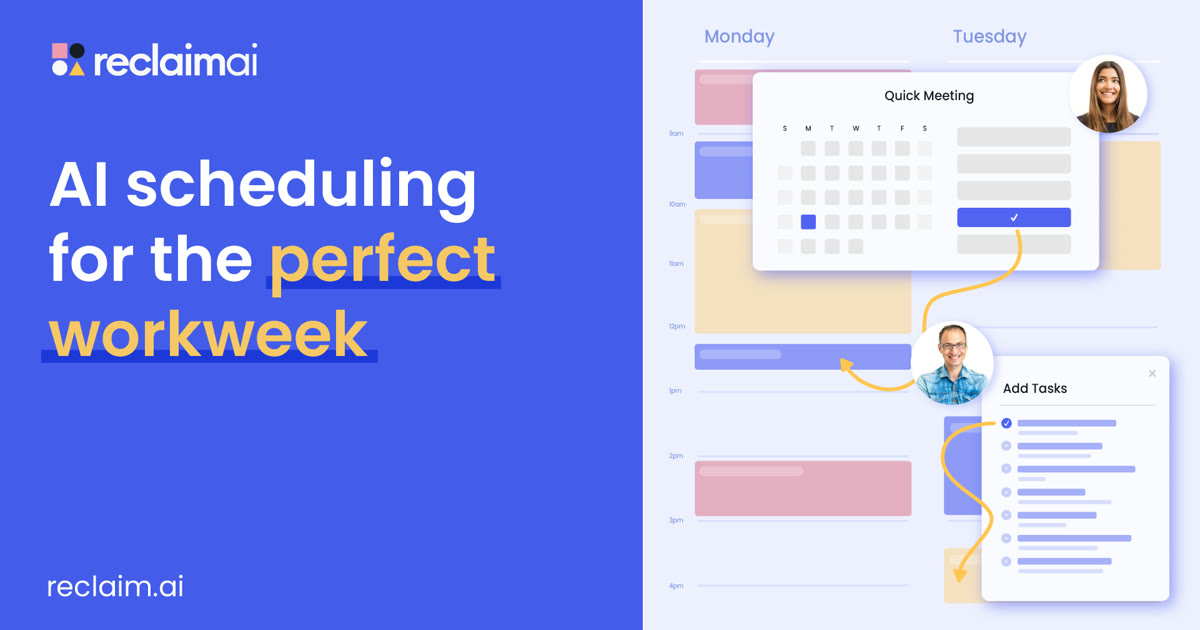
Reclaim.ai sits on top of the calendar you already use and treats your week as something software can rearrange. It describes itself as "AI agents that schedule work, meetings, and life – automatically" [1]. It is the most direct fit if meetings eat your day.
Verified features: Focus Time lets you set a weekly goal and "automatically defend time to get stuff done around your existing calendar events" [2]. Habits are "AI-powered recurring events" that find the best time inside your windows, Smart Meetings "monitor, prioritize, and resolve scheduling conflicts" for recurring meetings, and Buffer Time protects breaks after video calls [2]. Paid plans add Todoist, Asana, ClickUp, Jira and Linear integrations, and the pricing page lists both Google Calendar and Outlook Calendar support [2].
Pricing: Lite is free with one Scheduling Link and a one-week scheduling range. Starter is $10 per seat/month for up to 10 seats with an 8-week range, Business is $15 per seat/month for up to 100 seats, and Enterprise is $22 per seat/month [2]. The page has a yearly toggle marked "SAVE 20%" and a monthly toggle, so confirm which cycle a quote assumes [2]. All users get "a free 14-day trial of our Business plan" [1].
Strengths: A usable free tier for one person, a clear upgrade path from one user to a whole company, and features aimed at teams such as Team OOO Calendar and delegated access for executive assistants on Business [2].
Limitations: Reclaim is a calendar optimizer, not a task or project manager, so you still need a separate task tool for real project work. The free plan only looks one week ahead and is limited to one user [2]. Larger Smart Meetings can involve paid "Attendee Users" for people without a seat, which adds a line item to budget for [2]. It also does not negotiate times with outside contacts over email the way Callie or Lindy do.
Best fit: Individuals and teams of 2 to 100 who live in Google or Outlook and want focus time, habits and internal meetings to rearrange themselves.
Motion — tasks, projects and calendar scheduled together
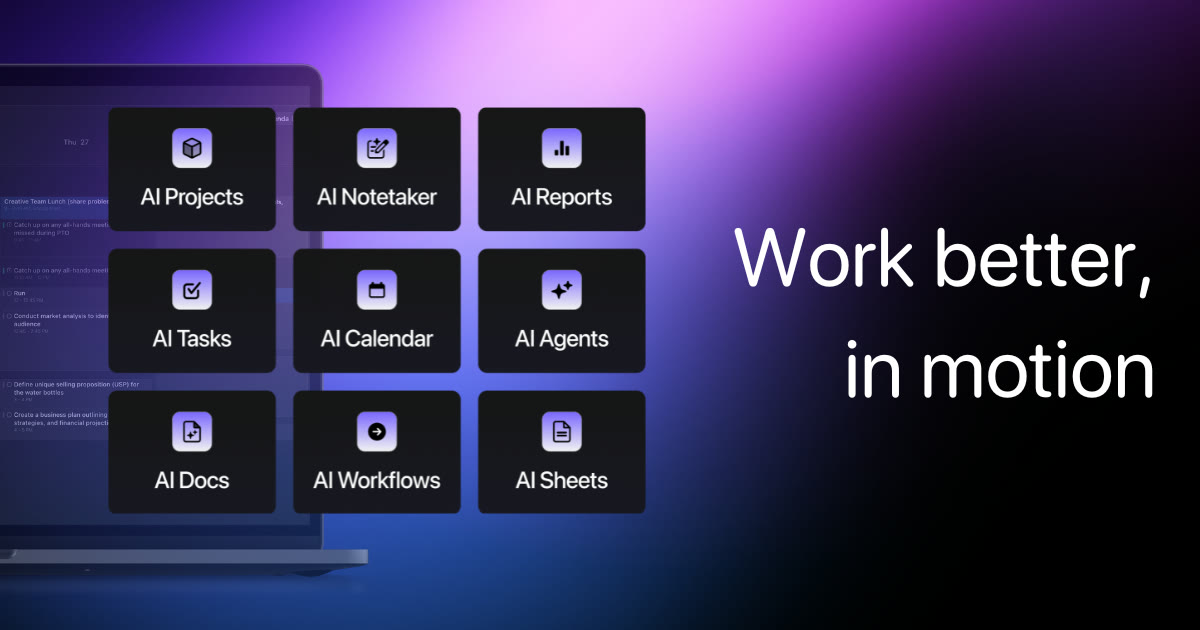
Motion pitches itself as "The AI Powered SuperApp for Work," with AI projects, tasks, docs and notes alongside its AI calendar [6]. Pick it when your calendar problem is really a workload problem.
Verified features: Motion "takes all of your projects and tasks, prioritizes and timeblocks them on your calendar," and says it optimizes the schedule "dozens of times a day" [6]. It combines Outlook, Google and iCloud calendars into one view, and it "creates meeting booking pages" that schedule meetings at times that protect focus time [6].
Pricing: Pro AI is listed at $19 /seat /mo and Business AI at $29 /seat /mo, with 7,500 and 15,000 AI credits per seat per month respectively [7]. The page offers "Pay monthly" and "Pay annually (Save 33%)" options, so check which cycle applies to the number you see [7].
Strengths: The tightest link on this list between project planning and the calendar, and Business AI adds team capacity planning, Gantt charts and time tracking [7].
Limitations: There is no free plan on the pricing page, only a free trial [7]. Because Motion is a full project and docs suite, you are paying for, and migrating into, much more than a scheduler. If you only want focus time and meeting shuffling, Reclaim is the lighter choice.
Best fit: Small teams ready to run tasks and projects inside Motion and let it build everyone's daily plan.
Akiflow — a time-blocking planner for individuals
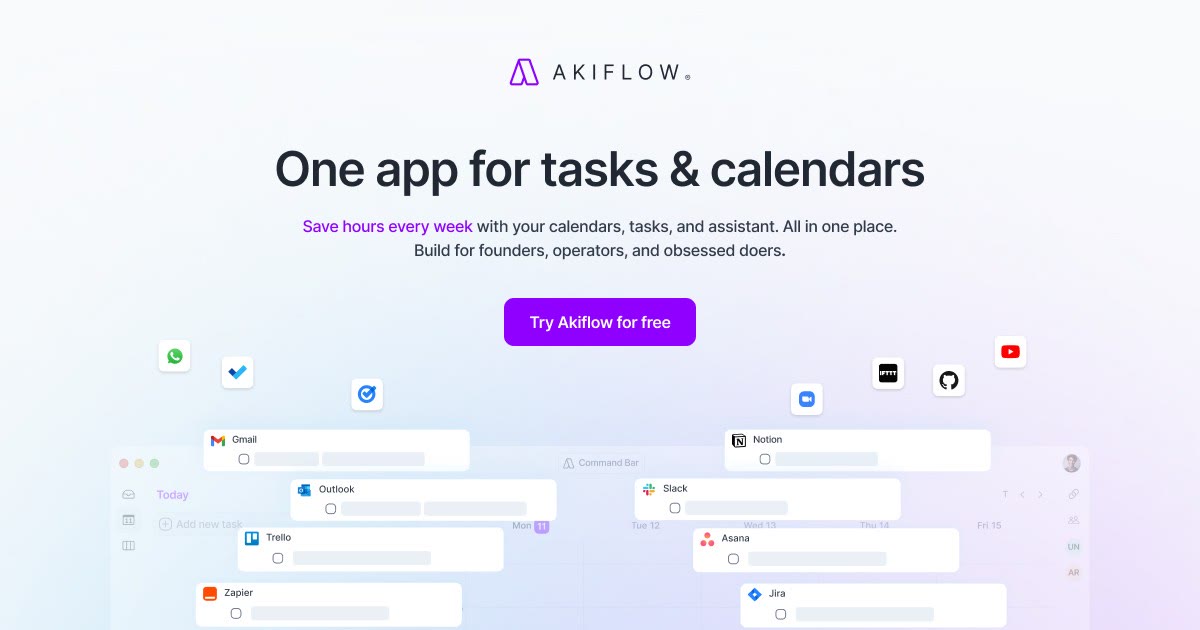
Akiflow is built around one idea: get every task into one inbox, then drag or auto-schedule it onto your calendar. It calls itself "One app for tasks & calendars" [10].
Verified features: The homepage lists automatic time-blocking, a calendar that syncs work and personal, a "Universal Inbox" that turns emails into tasks, and an on-demand AI executive assistant [10]. The pricing page lists Google Calendar sync, Outlook Calendar sync, availability sharing and Zapier and IFTTT automations [11].
Pricing: Akiflow Pro is "$34 per month when billed monthly, or $19 per month when billed yearly" [11]. The AI Meeting Assistant for recordings and transcripts is "an optional add-on" [11].
Strengths: One plan with everything included, and a clean fit for people who already plan their day around a task list.
Limitations: "Akiflow has no free plan," and the 7-day trial requires a card [11]. Team pricing is not published as a self-serve rate [11], so it is mainly an individual tool. Its automation is more planner than autopilot compared with Reclaim or Motion.
Best fit: Founders and operators who want a personal daily planning ritual with calendar and tasks side by side.
Lindy — an AI assistant that books meetings for you

Lindy is not a calendar app. It is a general AI assistant that "plugs into your tools, learns how you work, and takes real work off your plate" [8], and scheduling is one of the jobs it takes on.
Verified features: Lindy's executive assistant role promises "Times found and booked across calendars and time zones," a brief before every meeting and a single catch-up of what needs you [9]. It works with Gmail, Google Calendar, Outlook, Zoom, Slack and Notion, among "3,000+ integrations + MCP" [9]. Anything "with outside impact waits for approval," such as sending an email [4].
Pricing: You start with "$50 in credits for free," and the free credits last 7 days [4]. The Team plan is $49.99/mo for 5,000 credits, with top-ups at $10 per 1,000 credits; Enterprise is custom [4]. Every active user in a workspace is billed [4].
Strengths: Handles the whole meeting loop (finding times, prep, follow-up) from Slack, email or text, and reaches far beyond scheduling if you want it to.
Limitations: It is the most expensive option per person here if all you need is scheduling. Credit-based pricing makes monthly cost harder to predict, and monthly credits "don't roll over" [4]. It does not offer focus-time defense or task auto-scheduling in the way Reclaim and Motion do.
Best fit: Busy founders, executives and small teams who want an assistant to coordinate meetings over email and chat, and who will use it for other admin work too.
Calendly — booking links plus email scheduling with Callie

Calendly is a familiar booking-link tool that now wraps AI around the meeting itself. Its homepage introduces Callie as "your 24/7 AI scheduling assistant" that you add to any email thread [12].
Verified features: You "Add callie@calendly.com to an email thread and let Callie suggest times, coordinate replies, and book the meeting" [3]. Teams adds "Round-robin & team scheduling" and lets you "Qualify, route, & schedule leads," plus sending meetings to Salesforce [3]. Calendly also offers routing forms and website embeds for inbound leads [12].
Pricing: Free is "Always free" with one event type and one calendar connection. Standard is $10/seat/mo, Teams is $16/seat/mo, and Enterprise "Starts at $15k" per year [3]. Prices shown are billed yearly, and Notetaker and Callie are added to Standard or Teams plans [3]. Meeting invitees do not need a seat [3].
Strengths: The best fit here for external, customer-facing scheduling and lead routing, with a free tier and a low entry price.
Limitations: Calendly does not time-block your tasks or defend focus time. Callie is labeled Beta, and "Notetaker and Callie are only available in English at this time" [3].
Best fit: Sales, recruiting and client-service teams that book many external meetings and want an AI meeting scheduler inside email.
How to choose an AI scheduling tool
Start with the job, not the feature list.
- You want your own week protected. Look at Reclaim first, then Akiflow if you plan from a task list. Both connect to Google and Outlook calendars [2, 11].
- Your team's work needs to be scheduled, not just its meetings. Motion is the only option here that time-blocks project tasks for every team member [6].
- You want an assistant to book meetings over email. Callie inside Calendly is the narrow, low-cost version; Lindy is the broad version that also handles prep and follow-up [3, 9].
- You book many inbound or sales meetings. Calendly Teams adds round-robin and lead routing [3].
Before you buy, check whether the free tier covers a real week, which billing cycle the headline price assumes, and whether the tool reaches systems such as your CRM. If scheduling needs to flow into a custom pipeline or internal app, that is integration work rather than a setting; see our guide to AI agent integration with your CRM and inbox or our AI integration services.
FAQ
What is the best AI scheduling assistant for a single person?
For one person, Reclaim's free Lite plan covers Focus Time, Habits, Buffer Time and Smart Meetings with a one-week scheduling range [2]. If you prefer to plan from a task list, Akiflow Pro costs $19 per month billed yearly, but it has no free plan [11].
Is there a free AI calendar assistant?
Yes, with limits. Reclaim offers a "Free forever" Lite plan [2], and Calendly has an "Always free" plan with one event type and one calendar connection [3]. Lindy gives $50 in free credits that last 7 days [4].
Which AI meeting scheduler books meetings over email?
Calendly's Callie works when you add callie@calendly.com to an email thread; it suggests times, coordinates replies and books the meeting [3]. Lindy also finds and books times "across calendars and time zones" and can be reached by email, Slack or text [9].
What replaced Clockwise?
Clockwise says its product "will no longer be available starting on March 27, 2026," and it recommends Reclaim as an alternative for Focus Time, Habits and Smart Meetings [5].
Do AI scheduling tools work with Outlook?
Reclaim lists Outlook Calendar support [2], Motion combines Outlook, Google and iCloud calendars [6], and Akiflow lists Outlook Calendar sync [11].
Our recommendation
Most buyers should start with Reclaim.ai: the free plan is enough to see whether automated focus time and flexible meetings suit you, and team plans are modestly priced [2]. Choose Calendly if external booking and email scheduling matter most, Motion if you want projects and calendar in one system, Akiflow for a personal planner, and Lindy if you want an assistant that handles meetings end to end. If none of them fits how your team actually works, our AI agents and chatbots team builds custom scheduling assistants.
Sources
- Reclaim – AI Calendar for Work & Life — checked 2026-11-19
- Reclaim pricing — checked 2026-11-19
- Pricing | Calendly — checked 2026-11-19
- Pricing - Lindy — checked 2026-11-19
- Clockwise's Next Chapter — checked 2026-11-19
- The AI Powered SuperApp for Work | Motion — checked 2026-11-19
- Pricing | Motion — checked 2026-11-19
- Lindy: Hire an AI Employee That Gets Work Done — checked 2026-11-19
- Lindy executive assistant — checked 2026-11-19
- Akiflow | Time-Blocking Digital Planner & Calendar — checked 2026-11-19
- Akiflow Pricing | Plans, Free Trial & Teams — checked 2026-11-19
- Meeting Scheduling Software and AI Meeting Tools | Calendly — checked 2026-11-19