SFDIFY

For most small businesses, the best AI website builder is Wix: it lets you "create your site from a single prompt and flow between AI generation and drag and drop," and it has a $0 plan [1]. Choose Squarespace for design polish, Framer if a designer will own the site, and Hostinger if price decides it (Premium is $1.99/mo on a 48-month prepay) [2]. Emergent is a different kind of tool: it builds apps "through conversation," not just websites [3].
An AI-powered website builder drafts your site from a description. The real differences come after that draft: hand editing, payments, and the price once intro deals end.
How we chose
We compared six AI website builder tools a small-business owner is likely to shortlist: four established builders (Wix, Squarespace, Framer, Hostinger), a chat-first newcomer (Wegic) and an AI app builder (Emergent). For each, we read the official AI builder and pricing pages on November 8, 2026, and noted how generation and editing work, what the free option includes and what paid plans cost.
We did not run hands-on tests or score the products. Every product fact is cited to a vendor page under Sources. Prices change, so confirm before you buy.
AI website builders compared
| Product | Best for | Starting price | Notable |
|---|---|---|---|
| Wix | Small businesses that want AI plus business tools | $0 plan; Light $17/mo on a yearly plan [1] | AI agent Aria plus drag-and-drop editing [4] |
| Squarespace | Design-led brands and service businesses | Basic $25/mo, or $19/mo paid annually [5] | "Free for 14 days" trial [5] |
| Framer | Designers and startup marketing sites | $0 plan; Basic $10/mo [6] | AI agent works on the canvas and CMS [7] |
| Hostinger Website Builder | Tight budgets | $1.99/mo on a 48-month prepay; renews at $10.99/mo [2] | Manual and Agentic (vibe coding) modes [2] |
| Wegic | Beginners who want chat-only building | $2.99 Trial pack; Starter US $286.80/year [8] | Chat with an "AI website team" [9] |
| Emergent | Apps, MVPs and internal tools | $0 plan with 10 credits; Standard $17/mo annual [3] | Builds web and mobile apps, not only sites [3] |
Wix — the best AI website builder for most small businesses
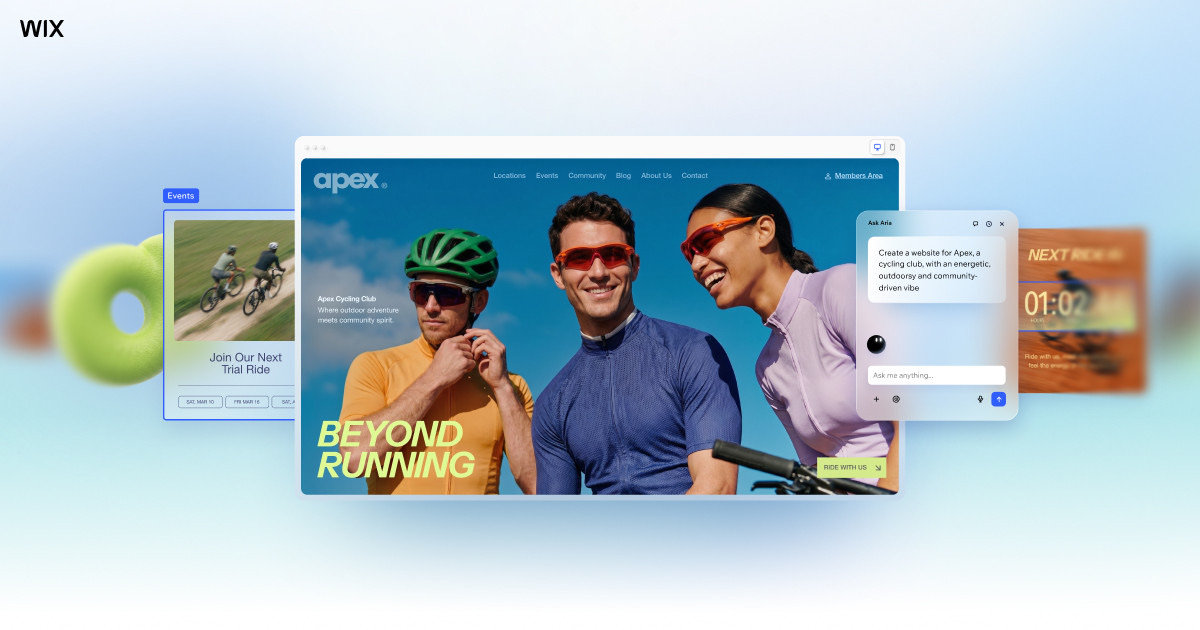
Wix combines a prompt-based generator with the drag-and-drop editor it is known for. Its AI page promises a path "from a prompt to a business-ready website" that you can then customize "by hand or with Aria, your built-in AI agent" [4].
Verified features: You describe the site, Wix drafts it, and you switch between prompting Aria and manual editing as needed. Wix says you can add capabilities "like an online store, scheduling software or a blog" as the business grows [4].
Pricing: The Free plan is $0 with "No credit card required." Paid plans start with Light at $17/mo and Core at $29/mo, with two higher business tiers above them. Wix notes that displayed prices "are for yearly subscriptions, paid in full at the time of purchase" and that "prices and currency vary by location" [1].
Strengths: You can try the AI builder at no cost and edit by hand when a prompt misses. A store or booking page does not mean a second platform.
Limitations: To connect custom domains, collect payments online or access additional features, Wix says "you'll need to choose a Premium Plan" [4]. The cheapest paid plan, Light, does not list "Accept payments"; that starts with Core [1].
Best fit: Service businesses, local shops and solo founders who want one tool for the site, payments and marketing.
Squarespace — strongest for design-led brands
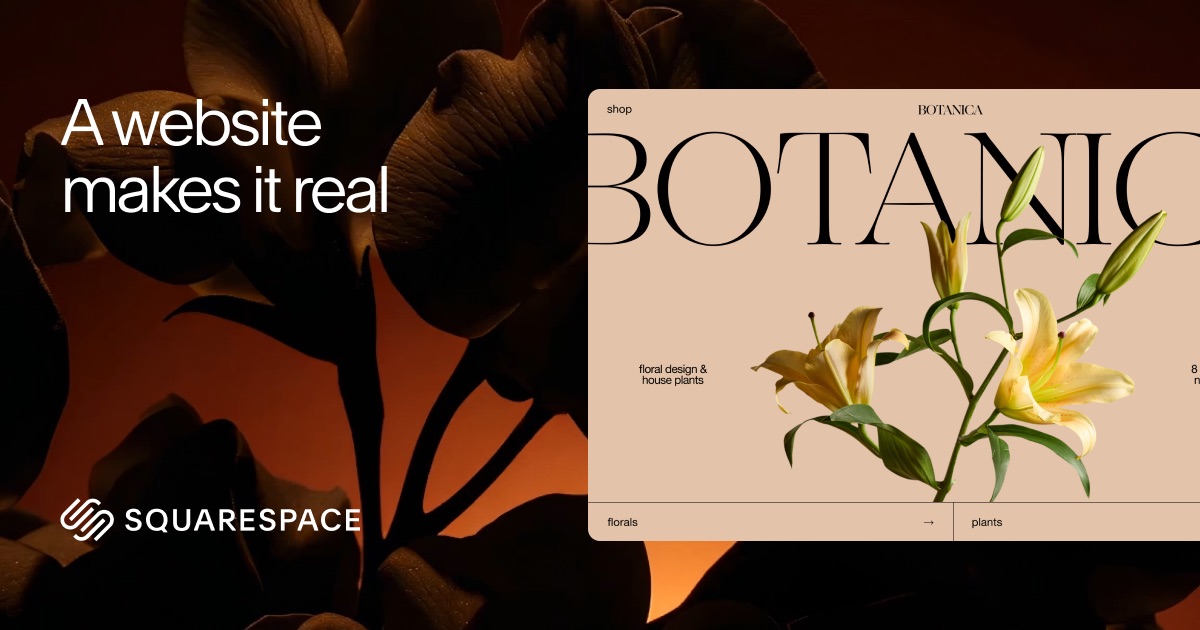
Squarespace asks you to describe your business "in your own words," then its AI builder "turns that description into a personalized website" [10].
Verified features: The builder produces "a personalized, multi-page website starting point with relevant pages, copy, imagery, colors, and fonts" [10]. After that you can use the drag-and-drop editor, generate images, or describe a custom section such as a comparison or pricing display and have the AI create it [10].
Pricing: Basic is $25/mo, or $19/mo when you pay annually. Core is $39/mo or $29/mo, and two higher selling tiers sit above it [5]. Plans start "Free for 14 days" [5].
Strengths: The output is meant to look finished, and Squarespace says you are "not left with a static mockup or forced to make every change through another prompt" [10]. Core and above add "Advanced lead capture tools" and remove online store transaction fees [5].
Limitations: There is no free plan; "You need a paid Squarespace website plan to publish the site" [10]. Basic includes "AI credits 10 (one-time)" and a "2% online store transaction fee" [5], so sellers will usually want Core or above.
Best fit: Photographers, consultants, studios and small brands that care most about how the site looks.
Framer — best for designers and startup marketing sites

Framer is a design tool that publishes websites. Its AI agent "creates editable pages, sections, copy, and visuals directly in your project," and you can keep refining in chat "or take over on the canvas at any point" [7].
Verified features: The canvas gives control over "layouts, typography, components, breakpoints, spacing, color, and effects" [7]. The AI agent also works with the CMS, can build code components, and can review a site for "contrast issues, typos, missing alt text, SEO gaps, and inconsistent styles" before you publish [7].
Pricing: The Free plan is $0 with "500 AI credits to try," a "Free Framer domain" and "1 GB bandwidth." Basic is $10 per month and Pro is $30 per month, shown with yearly billing; additional editors are $20/month [6].
Strengths: Fine design control and a CMS suit a startup marketing site, launch page or portfolio.
Limitations: Framer's pages focus on design, content and publishing; we did not see store or booking tools listed on the pages we checked. Basic includes "2 CMS collections" [6], and each extra editor adds cost.
Best fit: Designers, agencies and software startups whose website is a marketing asset.
Hostinger Website Builder — best low-cost option
Hostinger Website Builder is now a single "AI Builder, with two building modes: Manual (drag-and-drop) and Agentic (vibe coding)" [2].
Verified features: Agentic mode is Hostinger's default for complex projects such as "large ecommerce stores with user accounts, membership and subscription sites" [11]. Built-in AI tools "generate logos, write blog posts, create product descriptions, and optimize for SEO" [11].
Pricing: Premium is $1.99/mo: "Today you pay $95.52 for 48 months. Renews at $10.99/mo." Higher tiers follow the same 48-month pattern, and "All plans are paid upfront" [2]. There is a 14-day free trial, but Hostinger says its builder "isn't free" [2].
Strengths: The lowest entry price in this list, with hosting included and a custom domain and mailboxes "free for 1 year" on the plan cards [2].
Limitations: The headline price depends on prepaying 48 months, and renewal rates are several times higher. Hostinger also notes that once you start a site in one mode, "you can't switch mid-process" [11].
Best fit: Budget-conscious owners who are ready to commit to a long term.
Wegic — chat-first builder for beginners
Wegic describes itself as "your AI website team—your AI designer, developer, and manager." You chat, and it generates a site you can "publish with one click" [9].
Verified features: You describe the site, give it a name, and pick a style and language; Wegic then generates the site and offers AI editing and custom URL options [9]. The plan comparison lists code export, a booking and form system, and basic e-commerce [8].
Pricing: The Trial pack is $2.99 for "1 website generation" with "No edit credits included." Starter is US $286.80/year with 600 credits a month. Premium is US $502.80/year with 2,000 credits a month and a custom domain [8].
Strengths: Building happens entirely in conversation, which suits people who do not want to learn an editor. Code export on Starter gives you an exit path [8].
Limitations: Wegic is weaker than Wix or Framer if you want to try before you pay. Sign-up credits only cover chatting, because "website generation is a paid feature," and a custom domain needs Premium [8]. Unused credits are cleared each month, and plan payments are non-refundable [8].
Best fit: First-time site owners who prefer chatting to dragging blocks and are fine with credit-based plans.
Emergent — when you need an app, not a website
Emergent is an AI app builder; its homepage invites you to "Vibe Code Web & Mobile Apps in Minutes with AI" [12]. Its pitch: "Build production-ready apps through conversation. Chat with AI agents that design, code, and deploy your application from start to finish" [3].
How it differs from a site builder: Wix or Squarespace gives you a hosted visual editor, templates and business add-ons. Emergent generates code for an application, such as web apps, mobile apps, dashboards and SaaS tools, and "You own all the code Emergent generates" [12]. Choose it when you need logins, data and workflows, not just pages.
Verified features: Publishing uses built-in hosting where "Secure databases and APIs are already set up" [12]. Paid plans add GitHub integration and private project hosting [3].
Pricing: The Free plan is $0 with "10 free monthly credits." Standard is $20/month, or $17/month on annual billing, with "100 credits per month." Pro is $200/month, or $167/month on annual billing [3].
Strengths: It can take you from idea to a working prototype without hiring developers first, and you keep the code.
Limitations: For a simple marketing site, it is more tool than you need. Usage runs on monthly credits [3], and what you build is an app you need to maintain. If the prototype becomes your product, plan for engineering help; our SaaS development team can help take a validated prototype to production.
Best fit: Founders testing an MVP, and operators building internal tools or simple CRMs.
How to choose an AI website builder
Start with what the site must do, not with the AI demo.
- Brochure or lead-gen site: Wix, Squarespace or Framer. Pick Framer if a designer will maintain it, and Squarespace if you want a polished result with less tuning.
- Selling online (an AI ecommerce website builder): Check which plan first allows payments. On Wix, that is Core [1]; on Squarespace, Core removes the online store transaction fee that Basic charges [5].
- Lowest cost: Hostinger, as long as you accept the 48-month prepay and the renewal price [2].
- Chat only, no editor: Wegic, with the caveat that generation and custom domains are paid [8].
- Logins, data and workflows: Emergent, or a custom build. If you are really building a CRM or portal, read our guide to choosing a CRM: custom, Salesforce or off-the-shelf first.
Also compare renewal prices and how AI credits work; credit-based plans (Framer, Squarespace, Hostinger, Wegic, Emergent) can cost more if you lean heavily on prompts.
If you want AI features inside the site itself, such as a chatbot that answers customers, that is a separate decision from the builder. See our AI integration services for what that work involves.
FAQ
What is the best free AI website builder?
Wix and Framer both have $0 plans. Wix's Free plan says "No credit card required" [1], and Framer's includes "500 AI credits to try" and a Framer domain [6]. Emergent's free plan gives "10 free monthly credits" for app building [3]. Squarespace and Hostinger offer trials instead, and Wegic charges for website generation [8].
Can I use a free AI website builder with my own domain?
Usually not. Wix requires a Premium plan to connect custom domains [4], and Framer's free plan uses a Framer domain, with "Use your own domain" listed on Basic [6].
What is the best AI website builder for an online store?
Among these, Wix and Squarespace are the most complete for selling. Wix Core adds "Accept payments" and "Basic eCommerce" [1]. Squarespace Core lists "No fees on online store transactions" [5]. Hostinger's Unlimited plan lists "Ecommerce available" [2].
Is an AI app builder the same as an AI website builder?
No. An AI website builder gives you pages in a hosted editor. An app builder like Emergent writes application code, and you own that code and can host it elsewhere [12]. Use an app builder when you need user accounts, data and logic.
Our recommendation
Start with Wix if you want one tool for the site, payments and marketing. Pick Squarespace for design polish, Framer for a designer-owned startup site, and Hostinger for the lowest upfront cost. Wegic suits chat-only beginners who accept credit-based pricing. If you are really building software, prototype in Emergent, then plan the production build.
Sources
- Wix Pricing Information | Upgrade to a Premium Plan — checked 2026-11-08
- Hostinger Website Builder — checked 2026-11-08
- Pricing & Plans | Emergent — checked 2026-11-08
- Free AI Website Builder - Create A Website with AI | Wix.com — checked 2026-11-08
- Squarespace Pricing — checked 2026-11-08
- Framer: Pricing — checked 2026-11-08
- Framer AI: AI agents to design, build, and manage websites — checked 2026-11-08
- Wegic Pricing Information — checked 2026-11-08
- Wegic: Create Custom Websites in Minutes | AI Website Builder — checked 2026-11-08
- Squarespace AI Website Builder — checked 2026-11-08
- Hostinger AI Website Builder — checked 2026-11-08
- Emergent | Vibe Code Web & Mobile Apps in Minutes with AI — checked 2026-11-08